Concrete Walls & Reliable Wi-Fi
Reinforced walls can weaken wireless coverage. Plan access points and wired connections around the actual condo floor plan before finishes are completed.
Condo Smart Home Planning · Singapore
Plan lighting, automation, motorised curtains, air-conditioning, networking and entertainment together with your renovation — so technology feels simple to use and discreet within the finished interior.
Start Before Renovation Decisions Are Locked In
Design the technology around the home — not the home around the technology.HAP helps condominium owners coordinate Control4 automation, Lutron lighting control, networking and AV before electrical, ceiling and carpentry plans are finalised.
View Marina One Residence Project →Condo-Specific Planning
A condominium has different physical and renovation constraints from a landed home. Existing electrical layouts, reinforced walls, ceiling depth, built-in carpentry and building requirements all influence how an integrated smart home should be designed.
Reinforced walls can weaken wireless coverage. Plan access points and wired connections around the actual condo floor plan before finishes are completed.
Existing switch circuits, power points, ceiling depth and curtain pockets affect where lighting controls, speakers and motorised tracks can be installed.
Plan keypads, hidden cables, AV ventilation and equipment access alongside feature walls and cabinetry, so technology remains discreet and serviceable.
Smart Lighting · Interactive Experience
Well-planned lighting replaces rows of switches with scenes for everyday moments. Try the five settings below to see how the same interior can feel completely different.
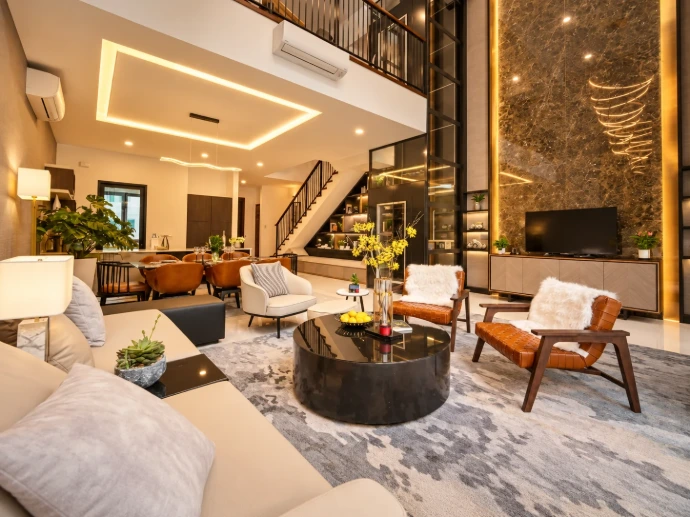
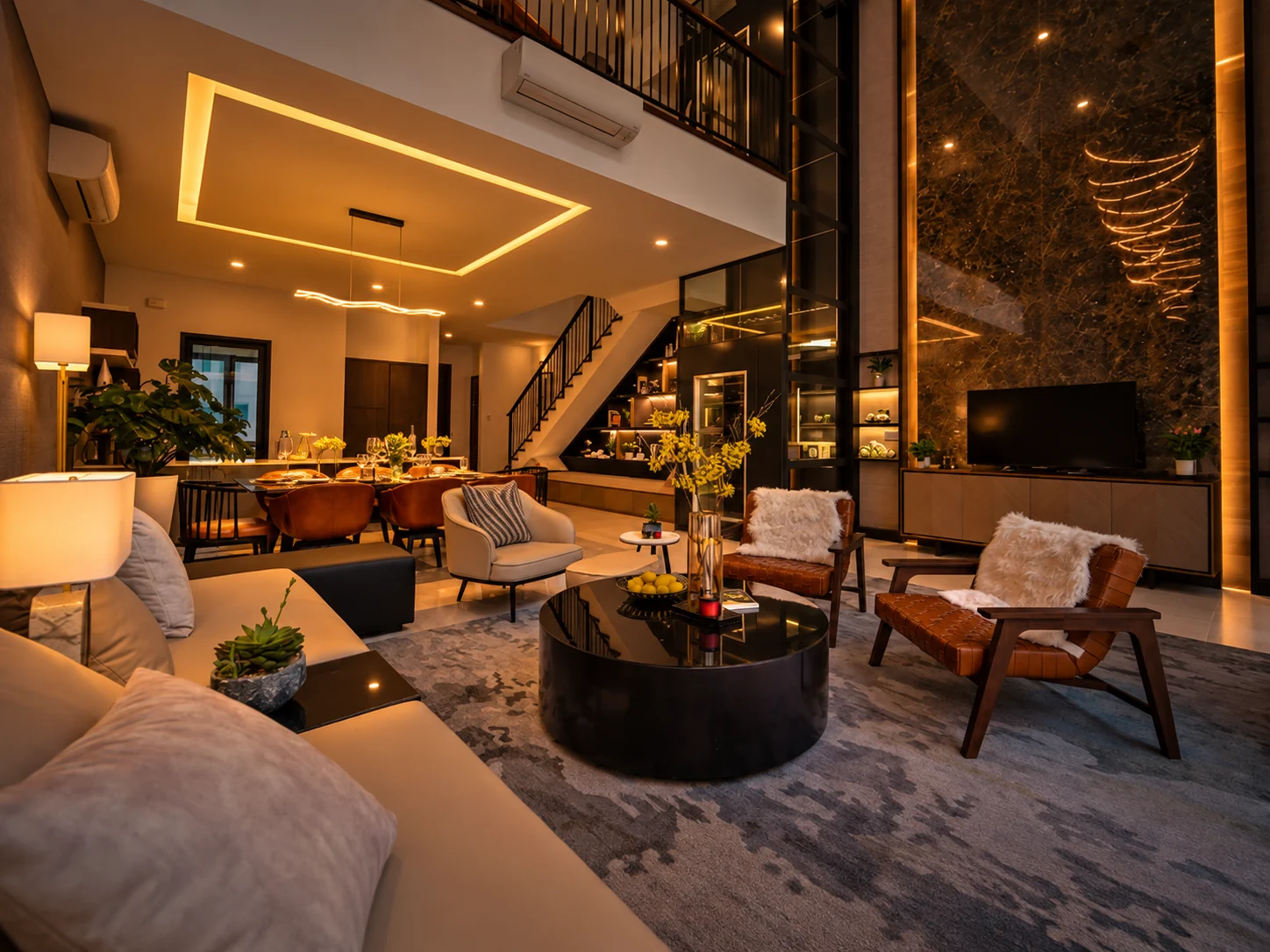
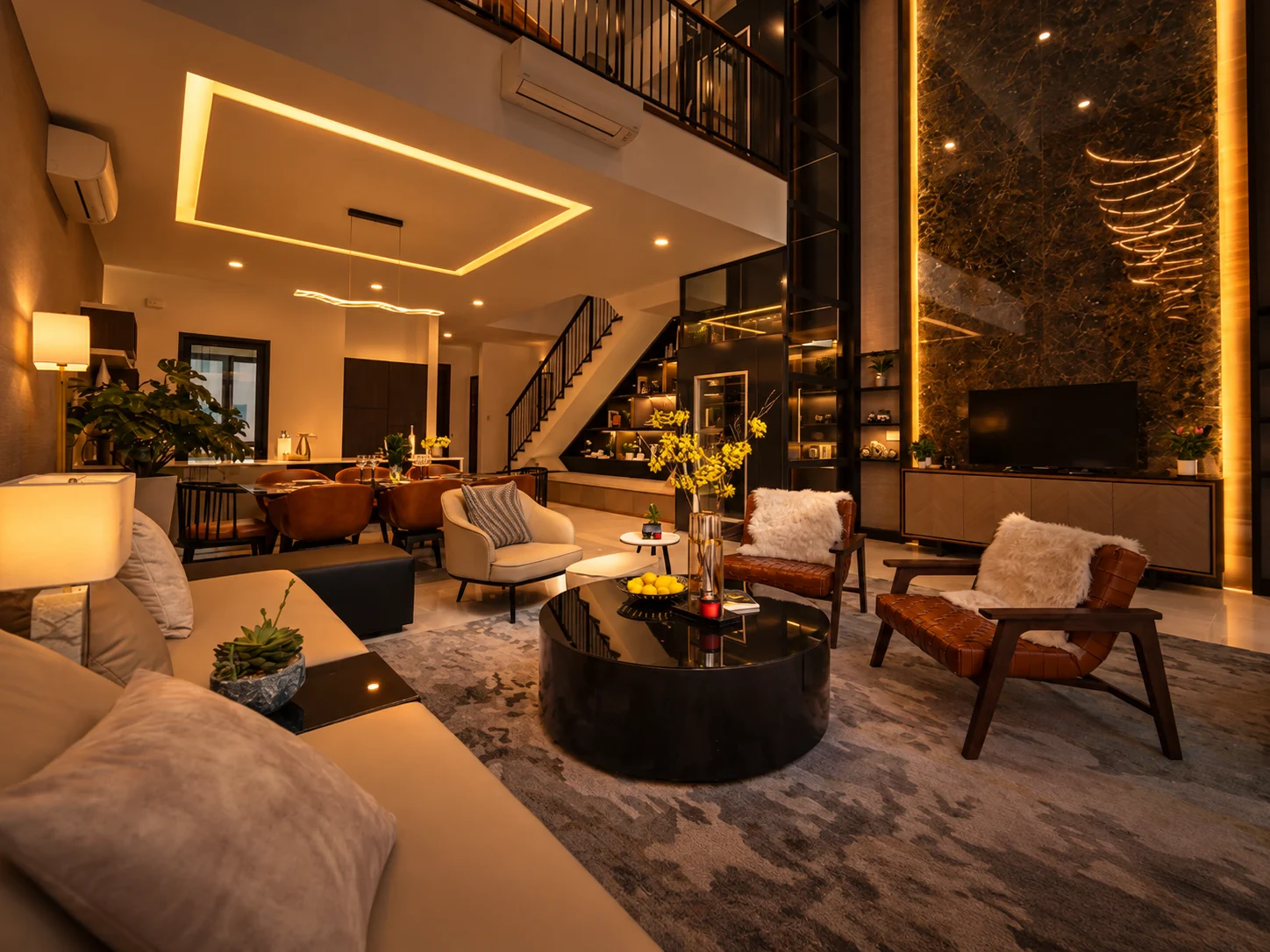
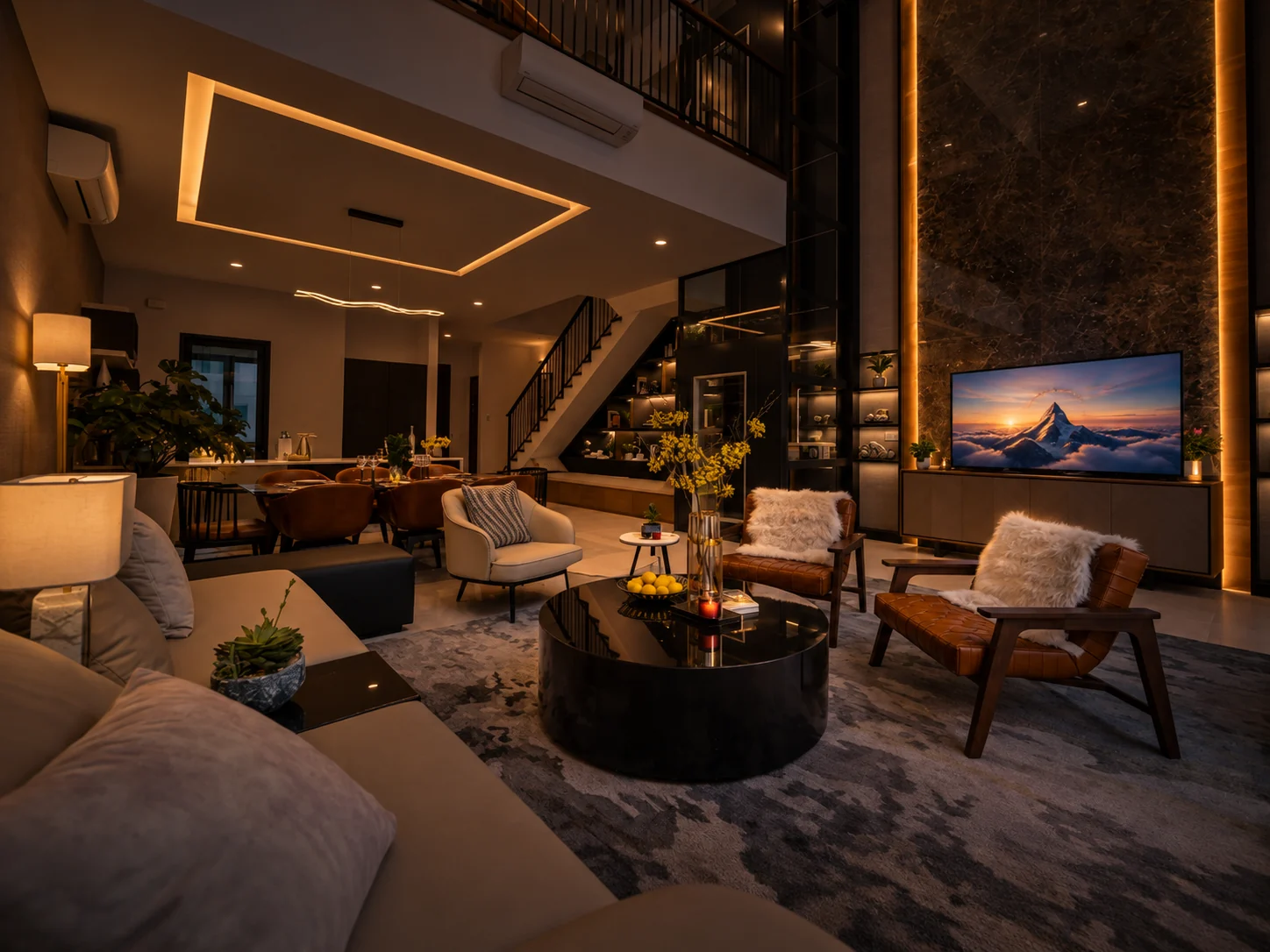
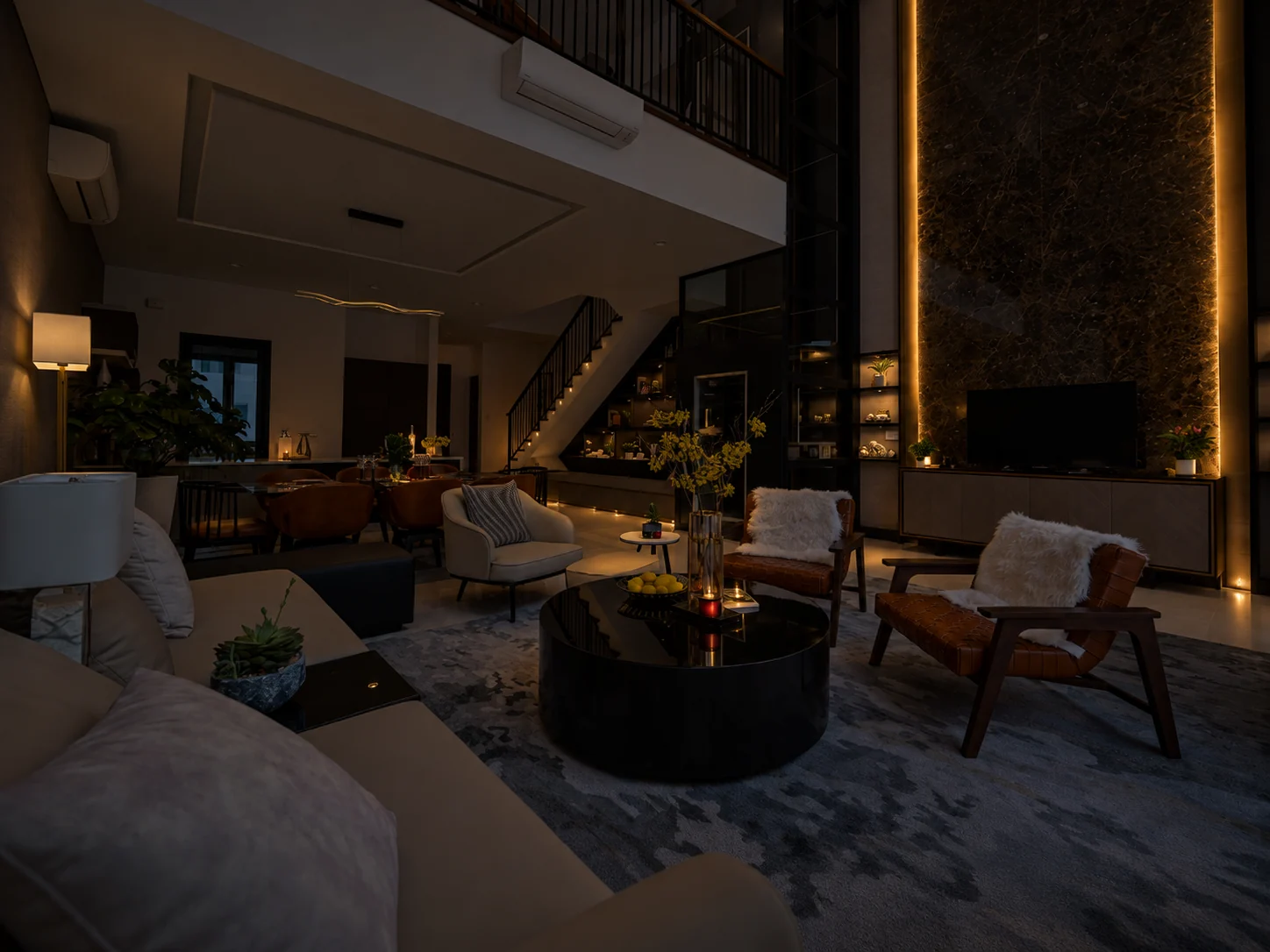
Illustrative lighting concepts based on a HAP room photograph. Actual lighting scenes depend on installed circuits, fixtures and programming.
Lighting Scene Control
Press the engraved keys to explore the room's different lighting moods.
Balanced, inviting lighting for coming home. Ambient, cove and feature lighting work together.
Shading & Privacy · Interactive Experience
Large condominium windows can make privacy, glare and changing sunlight important parts of everyday comfort. Motorised curtains can become part of the home's routines rather than remaining a separate manual task. Select a scene to see sheer and blackout layers respond.
Explore the Scenes
See how sheer curtains soften daylight and blackout curtains create privacy at the touch of a button.
Curtains open to welcome natural daylight into the living space.
Illustrative scene animation. Actual curtain positioning, fabric opacity and integrations depend on the installed system.
Climate Control · Interactive Experience
Adjust cooling manually, choose a comfort scene, or preview an overnight schedule. Compatible air-conditioning interfaces and integration are confirmed during project planning.
Illustrative cooling simulation, not live equipment. Airflow is an example effect; actual fan speed depends on the installed system.
Set a comfortable temperature any time.
Choose a cooling preset for the moment. Other systems can be linked when configured.
Tap a time to preview a simple overnight cooling plan.
Select a time to preview its aircon setting. No real timers run.
Tap Cooler or Warmer to adjust the simulated room.
Interactive concept inspired by whole-home climate control. Not a reproduction of an official Control4 app screen.
Give frequently used room temperatures a name, such as Welcome or Goodnight.
Preview a gentle step-up in the bedroom setpoint followed by automatic morning shutdown.
Cooler, Warmer and Power override the active example preset immediately.
Illustrative interface only, not a live Control4 connection. Scenes, schedules and airflow behaviour depend on compatible equipment and configuration. Temperature setpoints do not directly control real fan speed.
Home Security · Interactive Experience
Explore the camera positions on an illustrative condo floor plan. Select a camera to see its corresponding image inside a Hikvision-inspired mobile viewer.
Select a camera symbol to change the preview. All locations and camera views are illustrative, not a real installation plan.
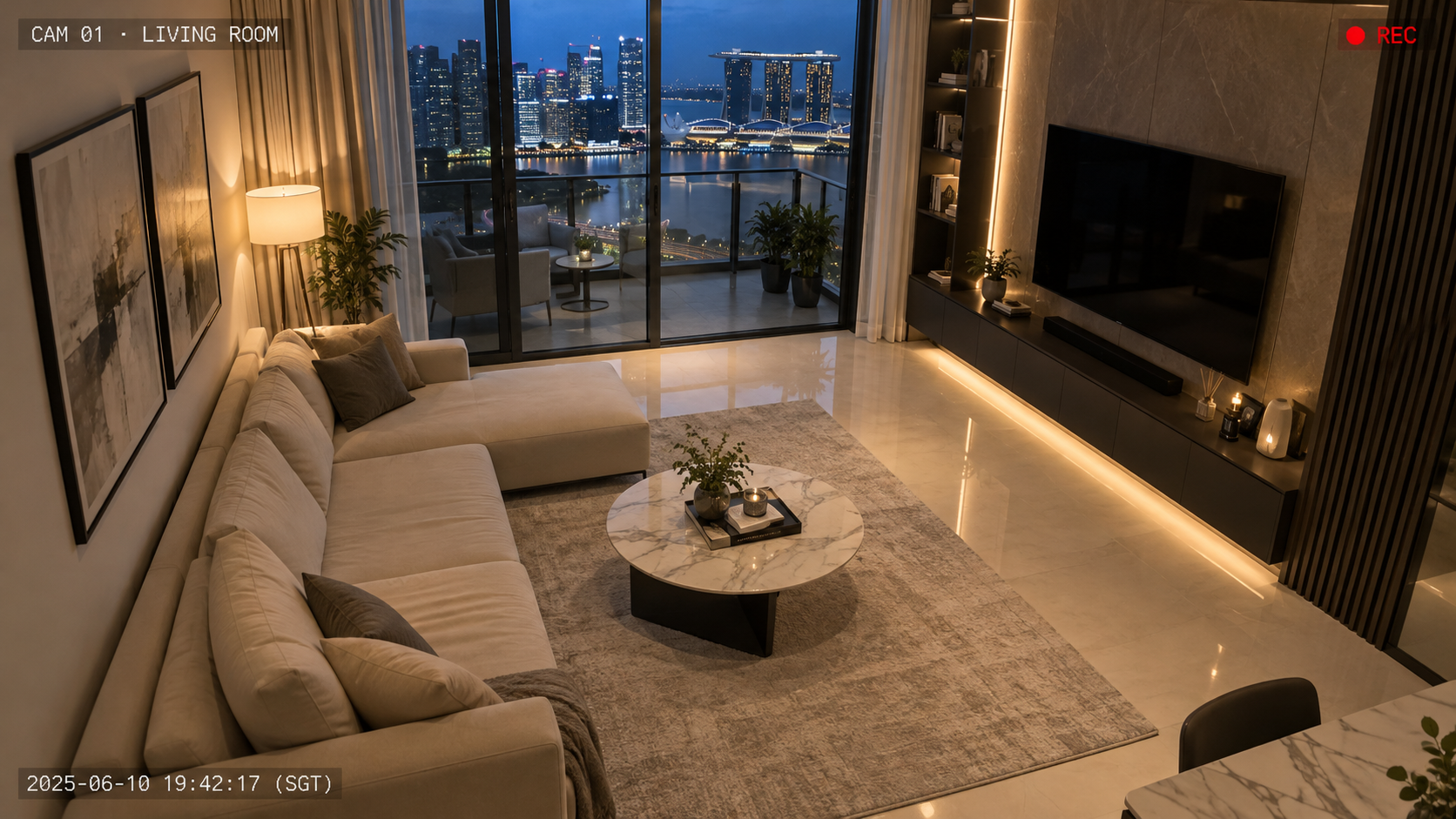
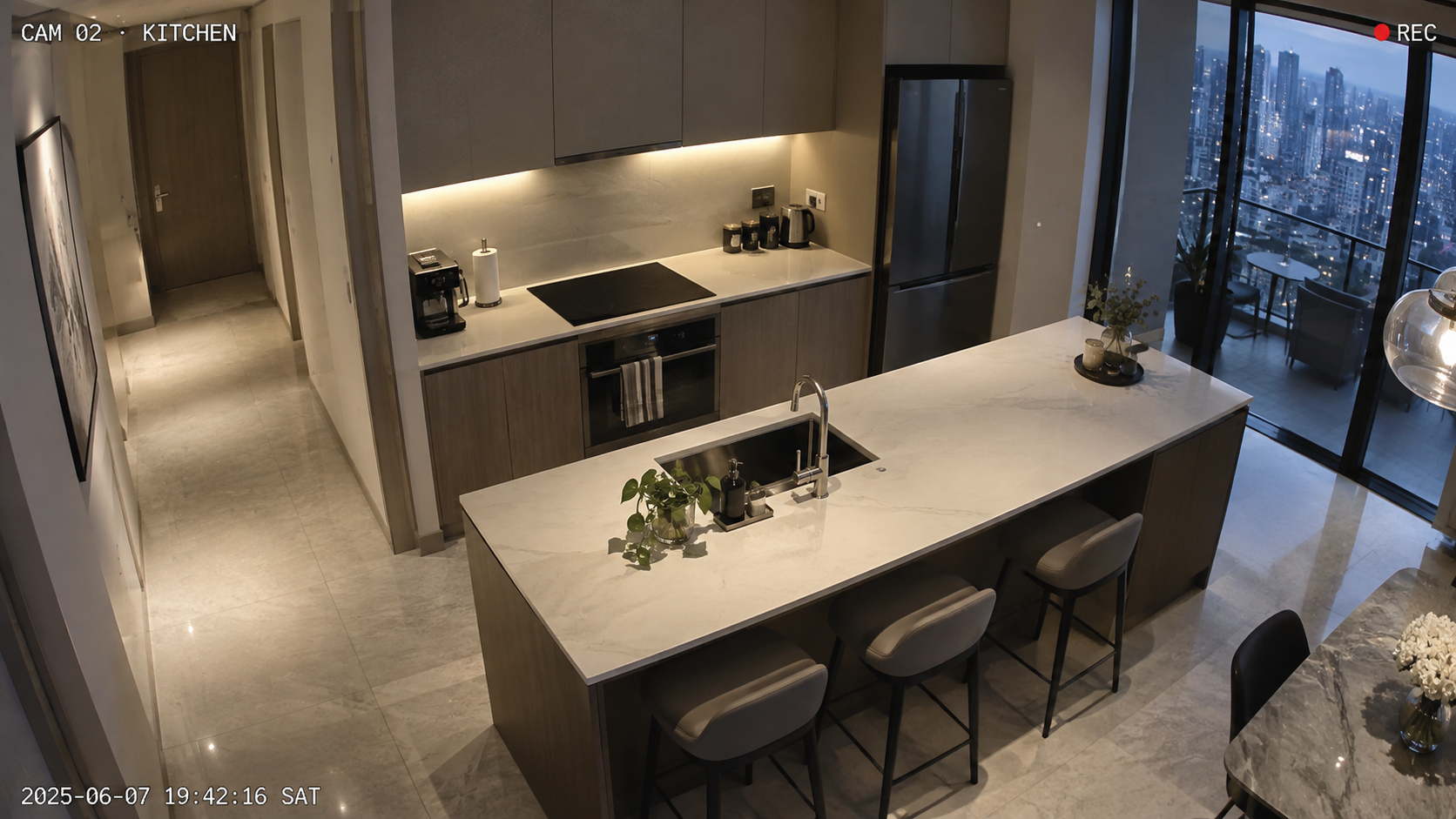
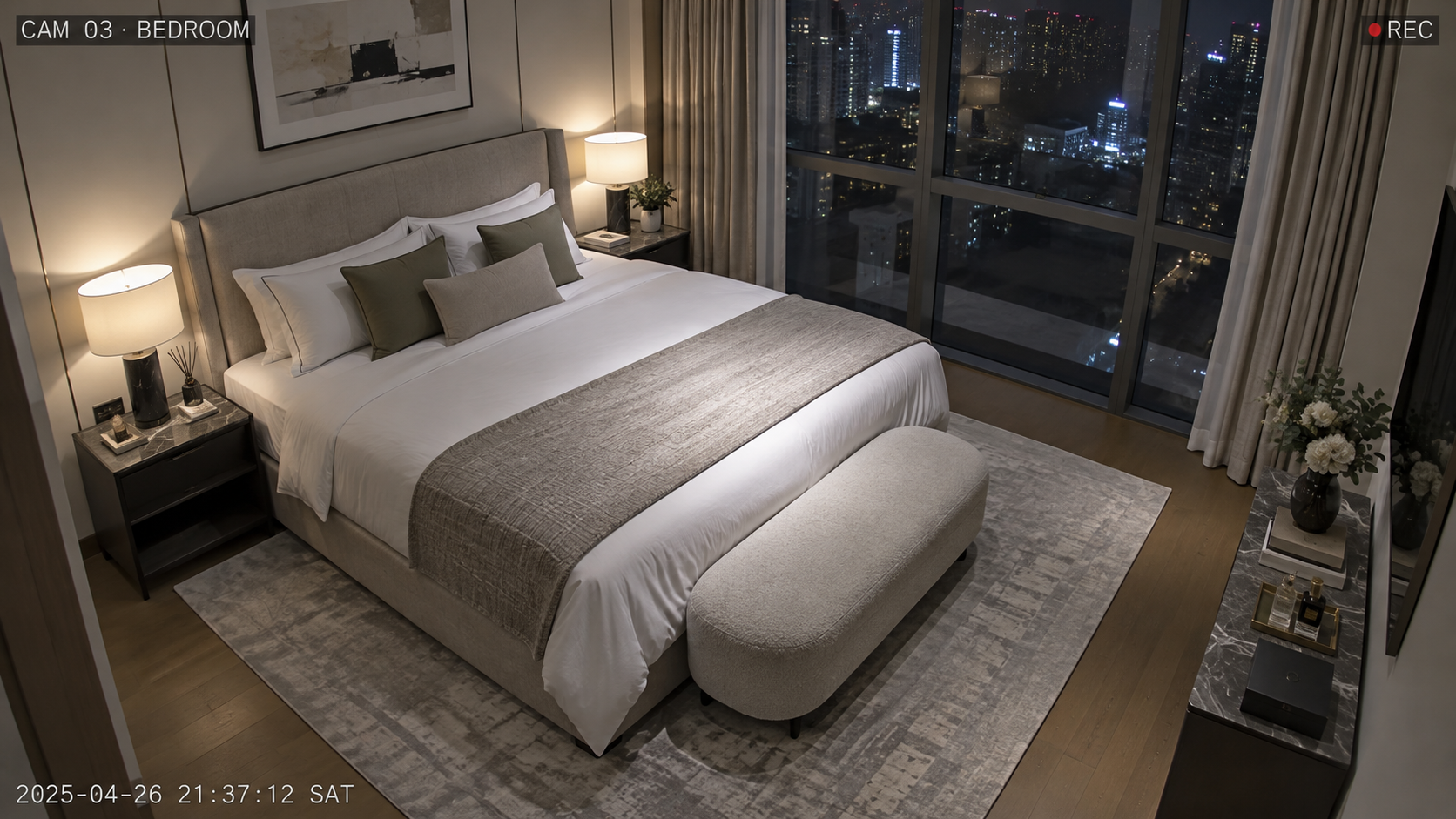
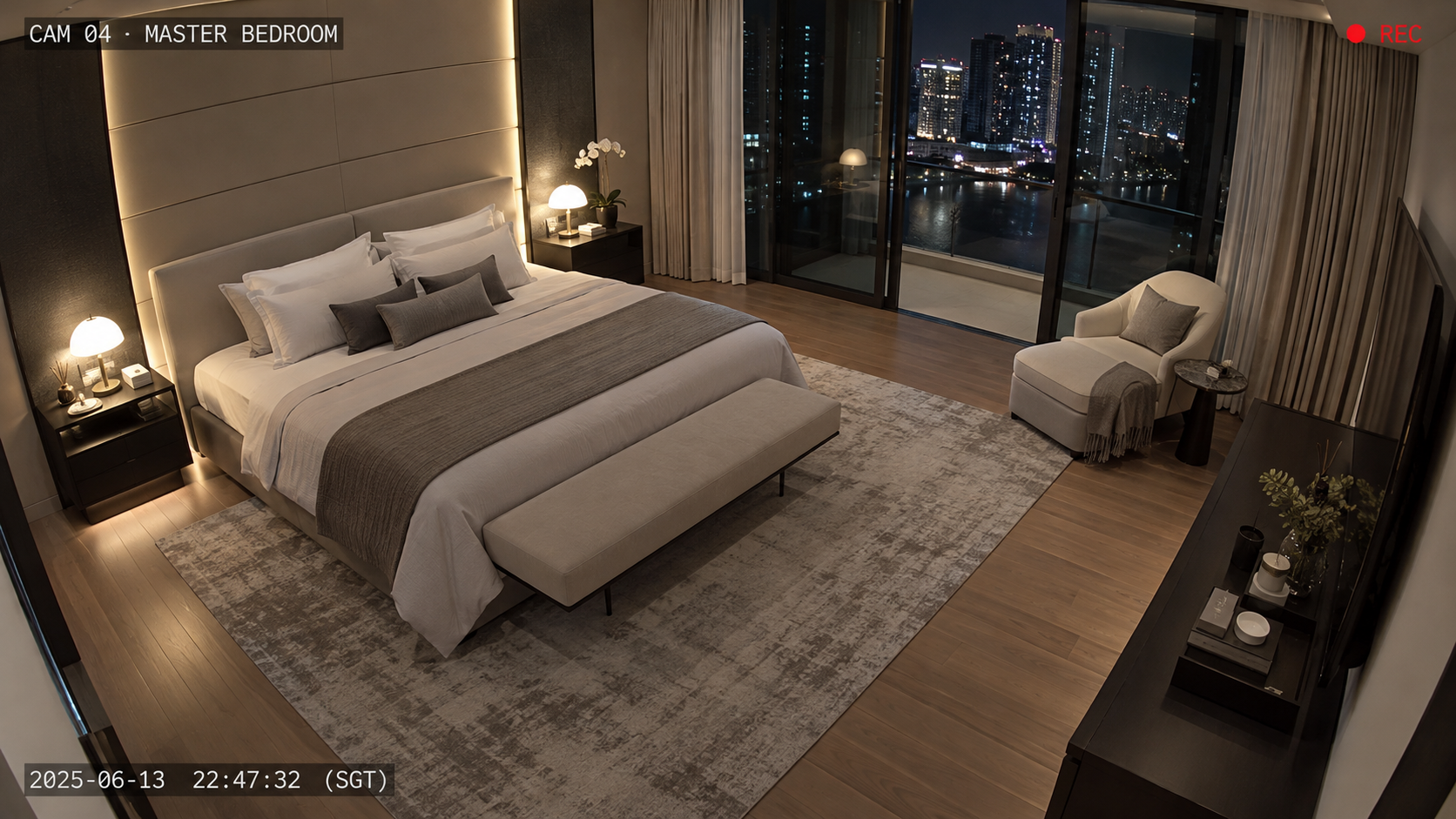
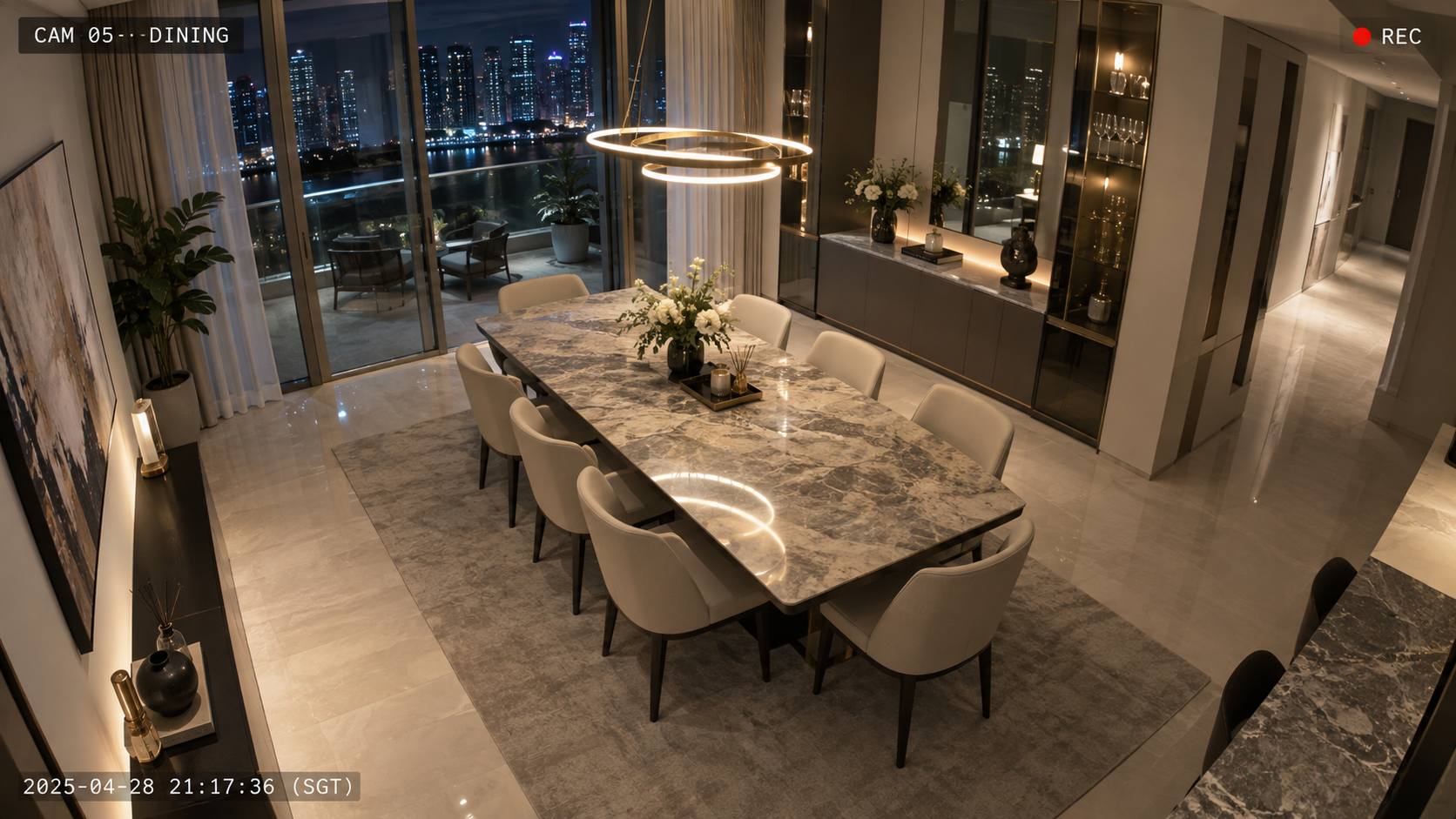
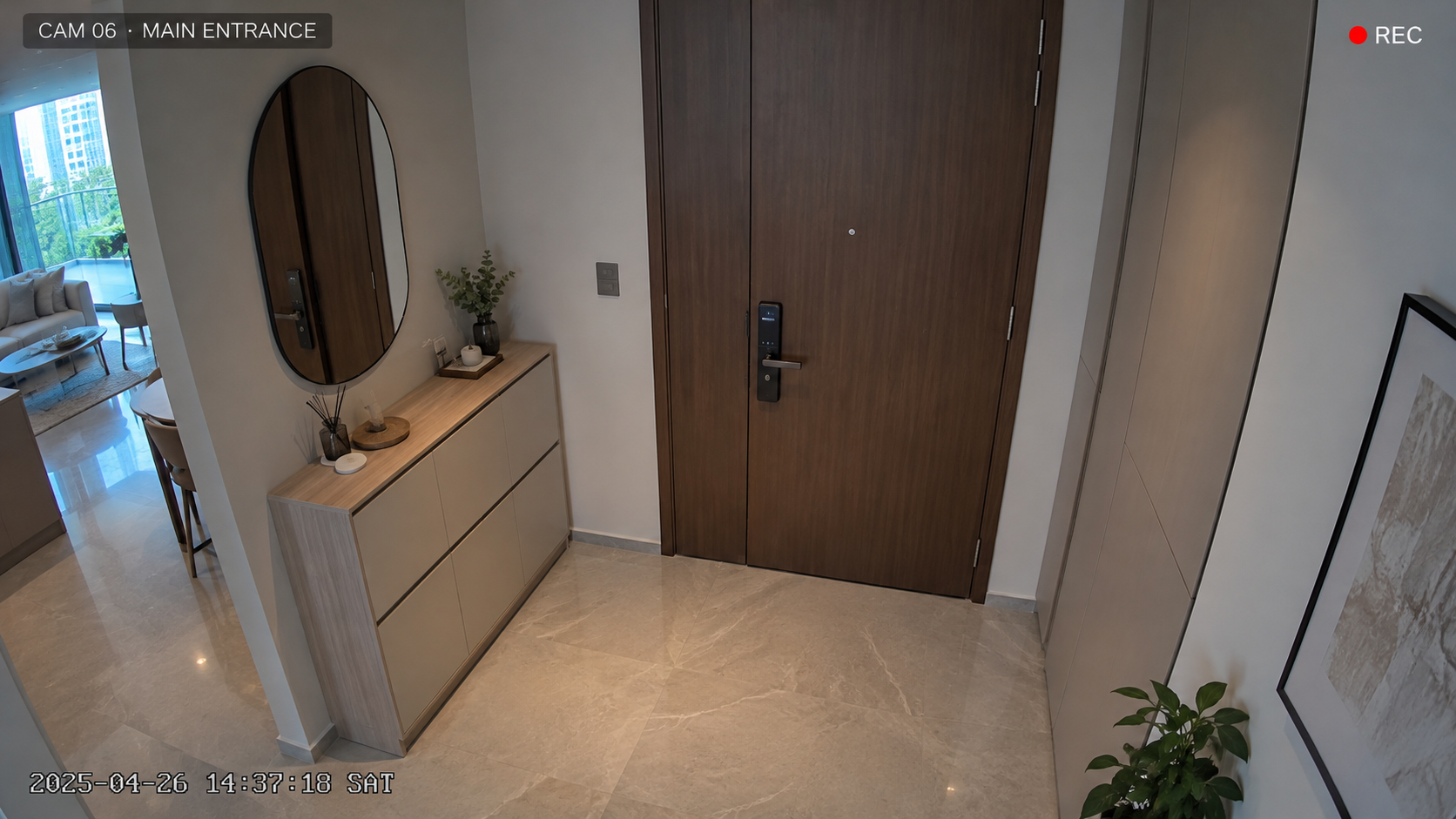
Illustrative view across the main lounge and balcony-side area.
Concept interface inspired by IP-camera mobile viewing. It is not an official Hikvision interface or a live CCTV feed. Bedroom cameras are optional and depend on privacy preferences and applicable requirements.
FROM INTERACTIVE IDEAS TO YOUR OWN HOME
Every condo is different. Start with your floor plan.
System Architecture
Lutron can provide a dedicated lighting-control foundation with refined dimming, scene control and architectural keypads designed around the interior.
Control4 can coordinate compatible systems so homeowners are not forced to control every part of the property through a different app or remote.
HAP Network Planning · Interactive Experience
Concrete condo walls can affect wireless signal strength. See how HAP plans Ethernet-connected access points and network equipment around your floor plan.
Green dashed paths illustrate Ethernet backhaul, not the exact cable route. AP locations and coverage are conceptual; a site assessment determines the actual design.
Why wired network planning matters
Access points and Ethernet cabling are planned around the layout, helping provide reliable connectivity for everyday devices and integrated smart-home systems.
Ethernet-connected APs don't depend on a wireless hop between nodes to reach the network. This is particularly useful when planning cabling during a renovation or integrating AV, climate, lighting and security equipment.
Wireless mesh can be convenient in completed homes where new cabling is impractical. Some mesh systems also support Ethernet backhaul. HAP's focus here is a professionally planned, wired network matched to the property's requirements.
Illustrative example, not a guarantee of coverage or a requirement for three APs. Final design depends on the floor plan, wall construction, equipment, site conditions and network testing.
Entertainment
High-quality home entertainment does not need to dominate your living room. Plan the audio, display and equipment around the interior from the start.
Choose the TV or projector position, viewing distance, speakers and subwoofer locations with the actual seating plan and room acoustics in mind.
Coordinate signal and speaker cables, AV rack storage, cooling, ventilation and service access before ceiling and carpentry work closes up.
Supported lighting, curtains and entertainment systems can work together to transform the living room into a movie setting with a single command.
Renovation Coordination
The best time to plan a condo smart home is before electrical, networking, curtain, ceiling and carpentry decisions are finalised. The first four stages below create most of the opportunities for concealed infrastructure and clean integration.
Define room usage, TVs, speakers, curtains and important control points.
Before renovationDecide what lighting, automation, climate, AV and security should do together.
Before renovationConfirm wiring, equipment rack, network points and access-point locations.
Before renovationCoordinate curtain pockets, speakers, ventilation and hidden cabling.
Before closing worksInstall the required smart-home, networking and AV infrastructure.
Refine scenes, schedules and controls around the way the household lives.
New Renovation or Existing Condo?
Existing condominiums can still be upgraded. The difference is how much access the project has to wiring, ceilings, carpentry and infrastructure.
Full Renovation
A full renovation gives the project team more opportunities to coordinate infrastructure before finishes are completed.
Existing Condo Upgrade
Retrofit options depend on what is already available and how much disruption the homeowner is comfortable accepting.
Practical Examples
Good integration solves everyday problems that are specific to the room, the renovation and the way the homeowner lives.
Motorised curtains can soften afternoon glare, while planned wired connections and access points help overcome concrete-wall Wi-Fi dead zones.
Concealed cables, ventilation and service access keep the TV feature wall tidy. A Goodnight scene can adjust lights, curtains and compatible systems together.
Renovation requirements vary between developments. Alterations involving entrance doors, corridor-facing equipment, common property, intercom systems or shared building infrastructure may be subject to development-specific requirements. Homeowners should confirm the applicable renovation and management rules before finalising these items.
Real HAP Project · Marina One Residence
From whole-home automation to Wi-Fi, AV infrastructure and security, HAP's work at Marina One Residence shows why the right technology should be planned into the interior — not added as an afterthought.
Clean interiors. Connected systems. One coordinated approach.
Other completed apartments incorporated security CCTV with remote viewing and UniFi networking. Across the work, concealed speakers and centralised AV equipment helped reduce visible technology in living spaces.
Explore the Marina One ProjectControl4 automation and lighting integration in selected apartments.
UniFi Wi-Fi coverage planned for connected apartment living.
Invisible or in-wall speakers and centralised AV rack planning.
CCTV remote viewing incorporated in selected units.
Project details reflect HAP's published Marina One Residence work. The typography-led panel is an editorial treatment, not a project photograph. Verified project images can be added here once their Odoo URLs are supplied.
Before Your Consultation
You do not need to select every product before meeting an integrator. A floor plan, renovation status and a clear idea of how you want to use the home are more useful starting points.
Frequently Asked Questions
Common questions homeowners ask when planning automation as part of a condominium renovation in Singapore.
Often, yes. The available options depend on existing wiring, ceiling access, network infrastructure and renovation scope. A major renovation usually provides greater flexibility for concealed cabling and integrated control.
Not necessarily. The required work depends on the systems you want to control and the existing electrical infrastructure. Some projects need targeted changes, while more extensive lighting or automation designs may require additional wiring.
Ideally before electrical, ceiling, curtain and carpentry plans are finalised. This gives the project team more flexibility for keypads, speakers, curtain power, network points and hidden cabling.
Reinforced concrete can reduce wireless coverage. Access-point placement and wired network infrastructure should therefore be planned around the actual floor plan rather than relying on a single router.
Control4 can be designed to work alongside compatible Lutron lighting-control systems. The exact integration depends on the selected equipment and overall system design.
Motorised curtains can be incorporated into scenes and routines. Air-conditioning can also be integrated where the installed system and available control method support it.
Requirements vary between developments. Work involving entrance doors, corridor-facing equipment, common property, intercoms or shared building systems may be subject to specific management requirements.
Cost depends on lighting zones, motorised curtains, automation scope, networking, AV, security integration, finishes and programming requirements. You can review HAP's Smart Home Cost Singapore guide for the main budget considerations.
Start With Your Floor Plan
Share your floor plan and renovation stage with HAP. We can review where lighting control, motorised curtains, networking, AV and automation should be considered before electrical, ceiling and carpentry decisions are finalised.
Book a Smart Home ConsultationCondo Smart Home Planning · Singapore
Plan lighting, automation, motorised curtains, air-conditioning, networking and entertainment together with your renovation — so technology feels simple to use and discreet within the finished interior.
Start Before Renovation Decisions Are Locked In
Design the technology around the home — not the home around the technology.HAP helps condominium owners coordinate Control4 automation, Lutron lighting control, networking and AV before electrical, ceiling and carpentry plans are finalised.
View Marina One Residence Project →Condo-Specific Planning
A condominium has different physical and renovation constraints from a landed home. Existing electrical layouts, reinforced walls, ceiling depth, built-in carpentry and building requirements all influence how an integrated smart home should be designed.
Reinforced walls can weaken wireless coverage. Plan access points and wired connections around the actual condo floor plan before finishes are completed.
Existing switch circuits, power points, ceiling depth and curtain pockets affect where lighting controls, speakers and motorised tracks can be installed.
Plan keypads, hidden cables, AV ventilation and equipment access alongside feature walls and cabinetry, so technology remains discreet and serviceable.
Smart Lighting · Interactive Experience
Well-planned lighting replaces rows of switches with scenes for everyday moments. Try the five settings below to see how the same interior can feel completely different.
Illustrative lighting concepts based on a HAP room photograph. Actual lighting scenes depend on installed circuits, fixtures and programming.
Lighting Scene Control
Press the engraved keys to explore the room's different lighting moods.
Balanced, inviting lighting for coming home. Ambient, cove and feature lighting work together.
Shading & Privacy · Interactive Experience
Large condominium windows can make privacy, glare and changing sunlight important parts of everyday comfort. Motorised curtains can become part of the home's routines rather than remaining a separate manual task. Select a scene to see sheer and blackout layers respond.
Explore the Scenes
See how sheer curtains soften daylight and blackout curtains create privacy at the touch of a button.
Curtains open to welcome natural daylight into the living space.
Illustrative scene animation. Actual curtain positioning, fabric opacity and integrations depend on the installed system.
Climate Control · Interactive Experience
Adjust cooling manually, choose a comfort scene, or preview an overnight schedule. Compatible air-conditioning interfaces and integration are confirmed during project planning.
Illustrative cooling simulation, not live equipment. Airflow is an example effect; actual fan speed depends on the installed system.
Set a comfortable temperature any time.
Choose a cooling preset for the moment. Other systems can be linked when configured.
Tap a time to preview a simple overnight cooling plan.
Select a time to preview its aircon setting. No real timers run.
Tap Cooler or Warmer to adjust the simulated room.
Interactive concept inspired by whole-home climate control. Not a reproduction of an official Control4 app screen.
Give frequently used room temperatures a name, such as Welcome or Goodnight.
Preview a gentle step-up in the bedroom setpoint followed by automatic morning shutdown.
Cooler, Warmer and Power override the active example preset immediately.
Illustrative interface only, not a live Control4 connection. Scenes, schedules and airflow behaviour depend on compatible equipment and configuration. Temperature setpoints do not directly control real fan speed.
Home Security · Interactive Experience
Explore the camera positions on an illustrative condo floor plan. Select a camera to see its corresponding image inside a Hikvision-inspired mobile viewer.
Select a camera symbol to change the preview. All locations and camera views are illustrative, not a real installation plan.
Illustrative view across the main lounge and balcony-side area.
Concept interface inspired by IP-camera mobile viewing. It is not an official Hikvision interface or a live CCTV feed. Bedroom cameras are optional and depend on privacy preferences and applicable requirements.
FROM INTERACTIVE IDEAS TO YOUR OWN HOME
Every condo is different. Start with your floor plan.
System Architecture
Lutron can provide a dedicated lighting-control foundation with refined dimming, scene control and architectural keypads designed around the interior.
Control4 can coordinate compatible systems so homeowners are not forced to control every part of the property through a different app or remote.
HAP Network Planning · Interactive Experience
Concrete condo walls can affect wireless signal strength. See how HAP plans Ethernet-connected access points and network equipment around your floor plan.
Green dashed paths illustrate Ethernet backhaul, not the exact cable route. AP locations and coverage are conceptual; a site assessment determines the actual design.
Why wired network planning matters
Access points and Ethernet cabling are planned around the layout, helping provide reliable connectivity for everyday devices and integrated smart-home systems.
Ethernet-connected APs don't depend on a wireless hop between nodes to reach the network. This is particularly useful when planning cabling during a renovation or integrating AV, climate, lighting and security equipment.
Wireless mesh can be convenient in completed homes where new cabling is impractical. Some mesh systems also support Ethernet backhaul. HAP's focus here is a professionally planned, wired network matched to the property's requirements.
Illustrative example, not a guarantee of coverage or a requirement for three APs. Final design depends on the floor plan, wall construction, equipment, site conditions and network testing.
Entertainment
High-quality home entertainment does not need to dominate your living room. Plan the audio, display and equipment around the interior from the start.
Choose the TV or projector position, viewing distance, speakers and subwoofer locations with the actual seating plan and room acoustics in mind.
Coordinate signal and speaker cables, AV rack storage, cooling, ventilation and service access before ceiling and carpentry work closes up.
Supported lighting, curtains and entertainment systems can work together to transform the living room into a movie setting with a single command.
Renovation Coordination
The best time to plan a condo smart home is before electrical, networking, curtain, ceiling and carpentry decisions are finalised. The first four stages below create most of the opportunities for concealed infrastructure and clean integration.
Define room usage, TVs, speakers, curtains and important control points.
Before renovationDecide what lighting, automation, climate, AV and security should do together.
Before renovationConfirm wiring, equipment rack, network points and access-point locations.
Before renovationCoordinate curtain pockets, speakers, ventilation and hidden cabling.
Before closing worksInstall the required smart-home, networking and AV infrastructure.
Refine scenes, schedules and controls around the way the household lives.
New Renovation or Existing Condo?
Existing condominiums can still be upgraded. The difference is how much access the project has to wiring, ceilings, carpentry and infrastructure.
Full Renovation
A full renovation gives the project team more opportunities to coordinate infrastructure before finishes are completed.
Existing Condo Upgrade
Retrofit options depend on what is already available and how much disruption the homeowner is comfortable accepting.
Practical Examples
Good integration solves everyday problems that are specific to the room, the renovation and the way the homeowner lives.
Motorised curtains can soften afternoon glare, while planned wired connections and access points help overcome concrete-wall Wi-Fi dead zones.
Concealed cables, ventilation and service access keep the TV feature wall tidy. A Goodnight scene can adjust lights, curtains and compatible systems together.
Renovation requirements vary between developments. Alterations involving entrance doors, corridor-facing equipment, common property, intercom systems or shared building infrastructure may be subject to development-specific requirements. Homeowners should confirm the applicable renovation and management rules before finalising these items.
Real HAP Project · Marina One Residence
From whole-home automation to Wi-Fi, AV infrastructure and security, HAP's work at Marina One Residence shows why the right technology should be planned into the interior — not added as an afterthought.
Clean interiors. Connected systems. One coordinated approach.
Other completed apartments incorporated security CCTV with remote viewing and UniFi networking. Across the work, concealed speakers and centralised AV equipment helped reduce visible technology in living spaces.
Explore the Marina One ProjectControl4 automation and lighting integration in selected apartments.
UniFi Wi-Fi coverage planned for connected apartment living.
Invisible or in-wall speakers and centralised AV rack planning.
CCTV remote viewing incorporated in selected units.
Project details reflect HAP's published Marina One Residence work. The typography-led panel is an editorial treatment, not a project photograph. Verified project images can be added here once their Odoo URLs are supplied.
Before Your Consultation
You do not need to select every product before meeting an integrator. A floor plan, renovation status and a clear idea of how you want to use the home are more useful starting points.
Frequently Asked Questions
Common questions homeowners ask when planning automation as part of a condominium renovation in Singapore.
Often, yes. The available options depend on existing wiring, ceiling access, network infrastructure and renovation scope. A major renovation usually provides greater flexibility for concealed cabling and integrated control.
Not necessarily. The required work depends on the systems you want to control and the existing electrical infrastructure. Some projects need targeted changes, while more extensive lighting or automation designs may require additional wiring.
Ideally before electrical, ceiling, curtain and carpentry plans are finalised. This gives the project team more flexibility for keypads, speakers, curtain power, network points and hidden cabling.
Reinforced concrete can reduce wireless coverage. Access-point placement and wired network infrastructure should therefore be planned around the actual floor plan rather than relying on a single router.
Control4 can be designed to work alongside compatible Lutron lighting-control systems. The exact integration depends on the selected equipment and overall system design.
Motorised curtains can be incorporated into scenes and routines. Air-conditioning can also be integrated where the installed system and available control method support it.
Requirements vary between developments. Work involving entrance doors, corridor-facing equipment, common property, intercoms or shared building systems may be subject to specific management requirements.
Cost depends on lighting zones, motorised curtains, automation scope, networking, AV, security integration, finishes and programming requirements. You can review HAP's Smart Home Cost Singapore guide for the main budget considerations.
Start With Your Floor Plan
Share your floor plan and renovation stage with HAP. We can review where lighting control, motorised curtains, networking, AV and automation should be considered before electrical, ceiling and carpentry decisions are finalised.
Book a Smart Home Consultation