Touch Screen User Manual Guide
⚠️ System Power (Important)
Before using the touchscreen, ensure the equipment rack is powered ON:
TP-Link Omada Router
Control4 Core 1
AVPro Matrix
💡 Lighting Control
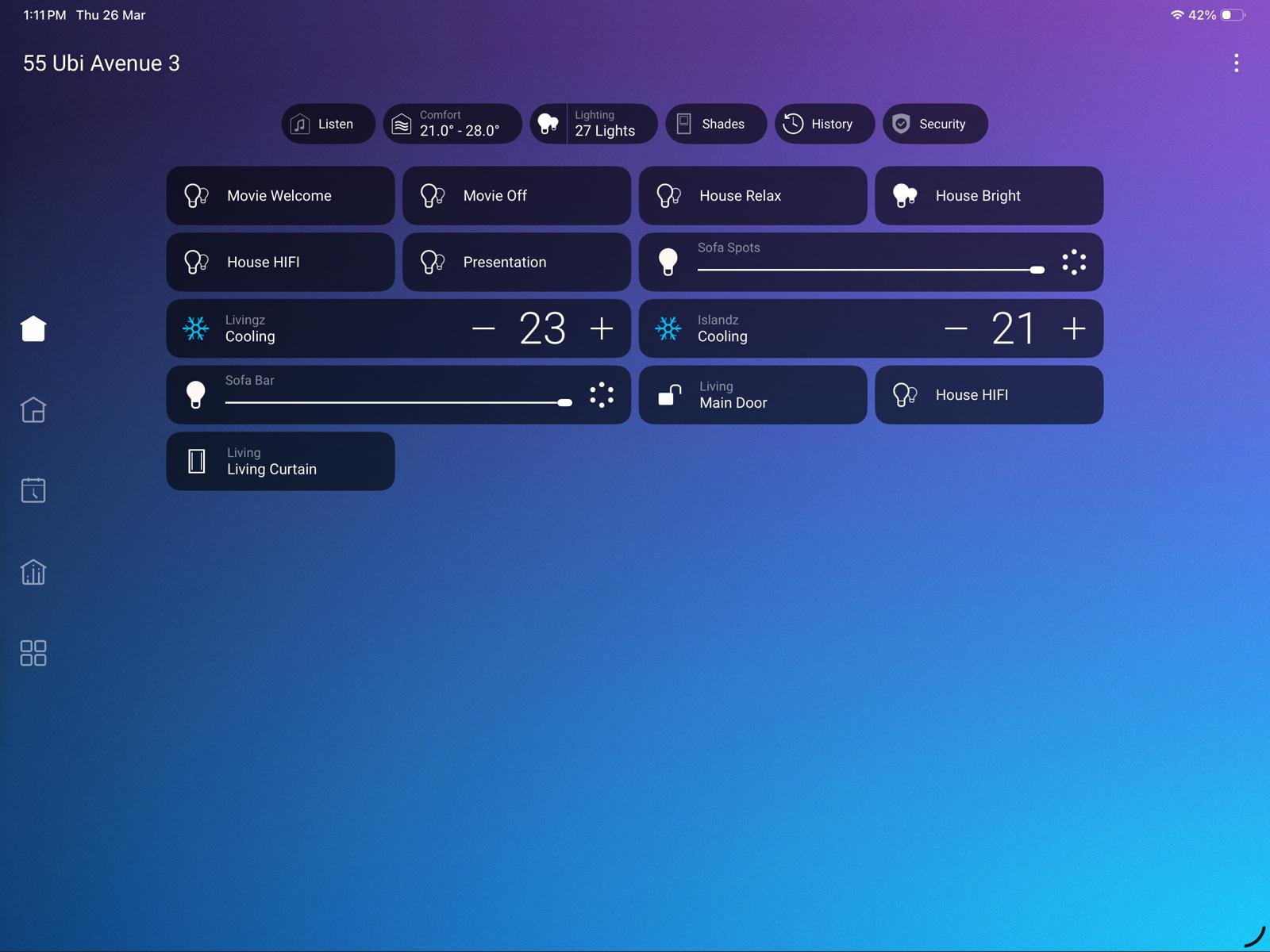
Step 1
Tap “Lighting”
(Refer to image below)
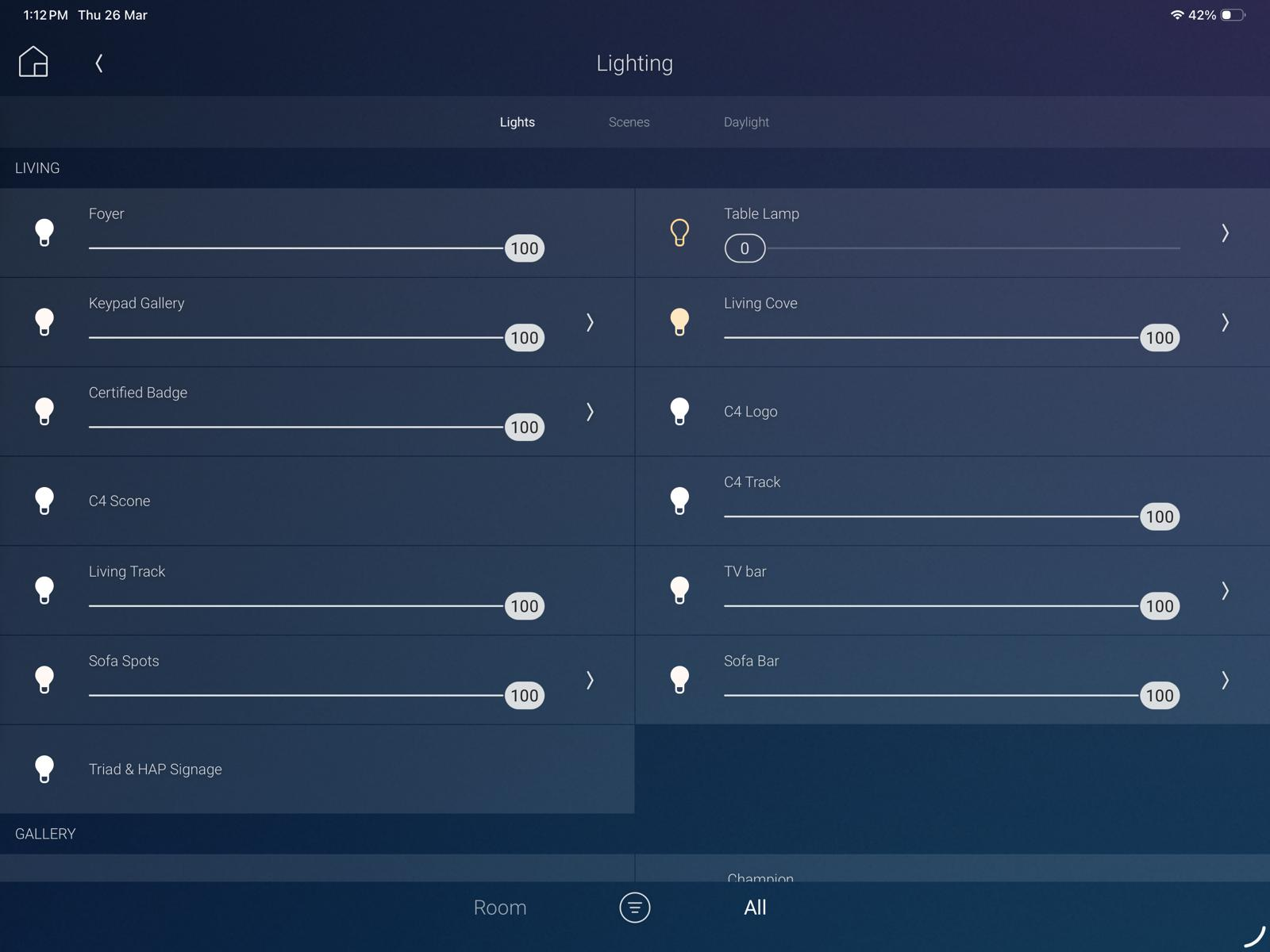
Step 2
Slide the percentage bar to adjust brightness
Tap the bulb icon to turn lights ON/OFF
(Refer to image below)
🪟 Screen Control
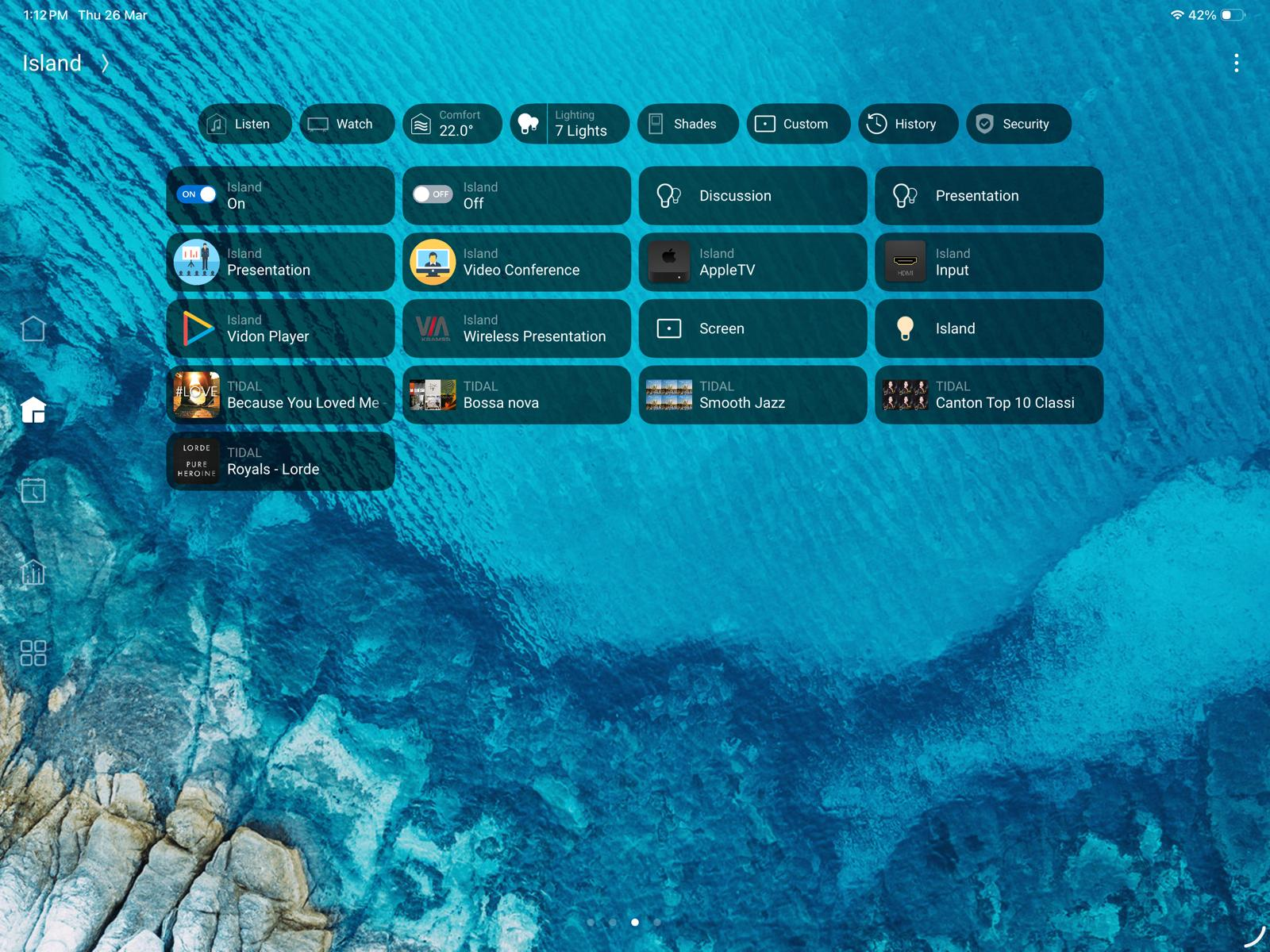
Step 1
Tap “Screen”
(Refer to image below)
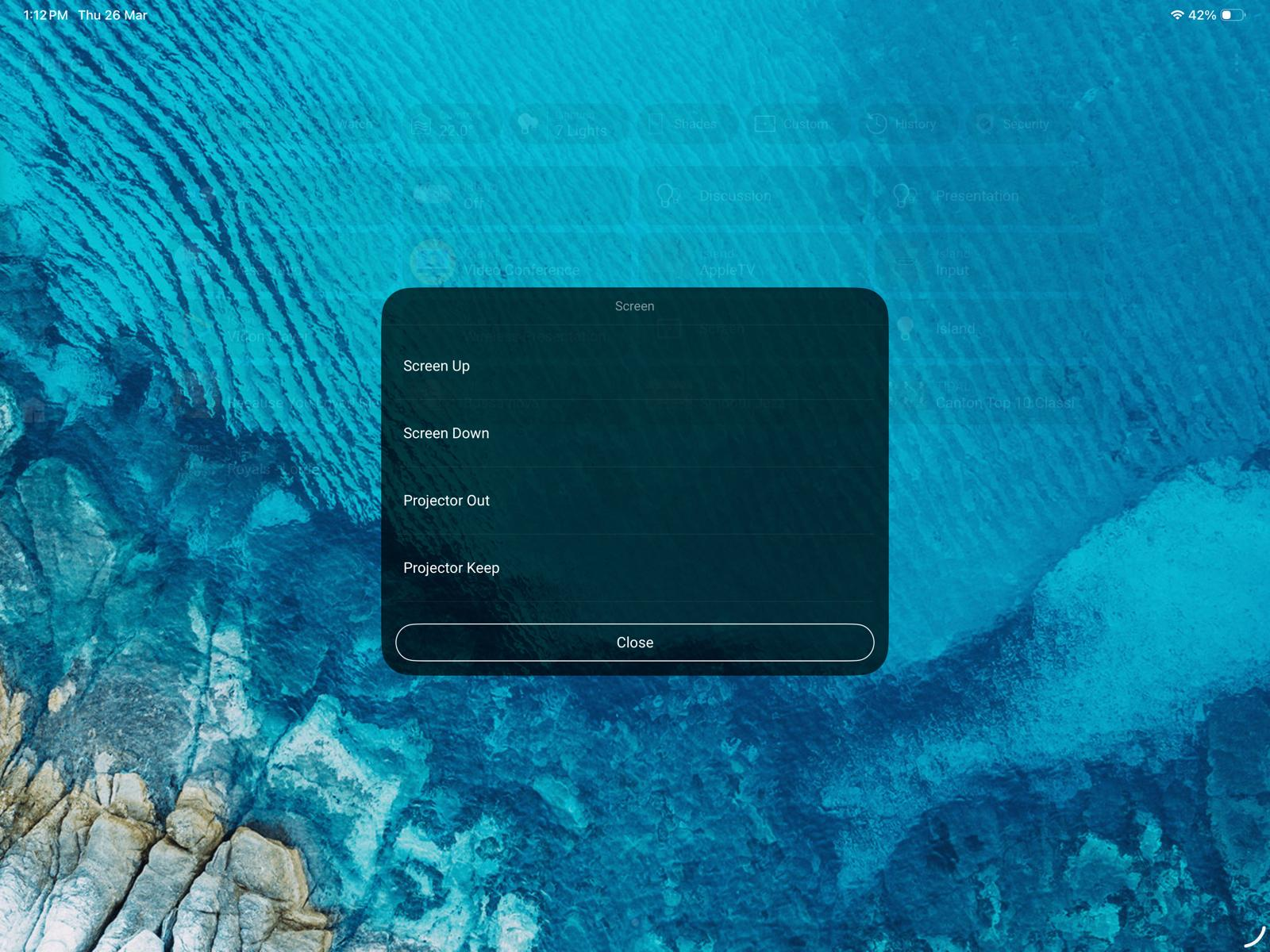
Step 2
Select:
Screen Up → Raise screen
Screen Down → Lower screen
(Refer to image below)
🎥 Projector Input Selection
Step 1
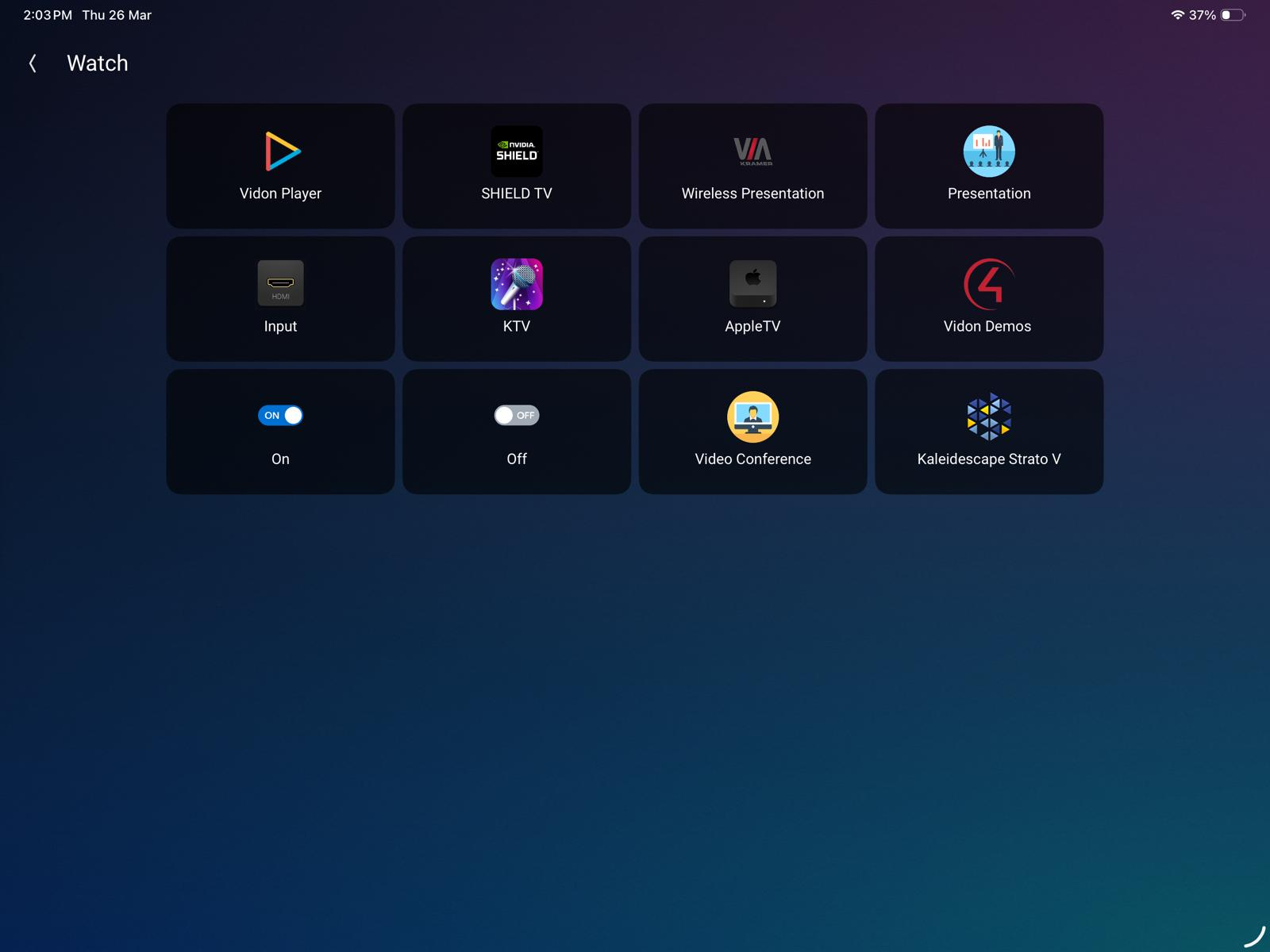
Tap “Watch”
(Refer to image below)
Step 2
Select “Inputs”
(Refer to image below)
Step 3
Select “Rostrum / Control Room”
(Refer to image below)
// insert image