Here’s a step-by-step tutorial on how to block a specific device from using WiFi using the Scheduler function in the UniFi Network app.
This guide applies to the UniFi Network app by Ubiquiti Inc. (mobile version).
📶 How to Block a Device Using Scheduler in UniFi App
Step 1: Open the UniFi Network App

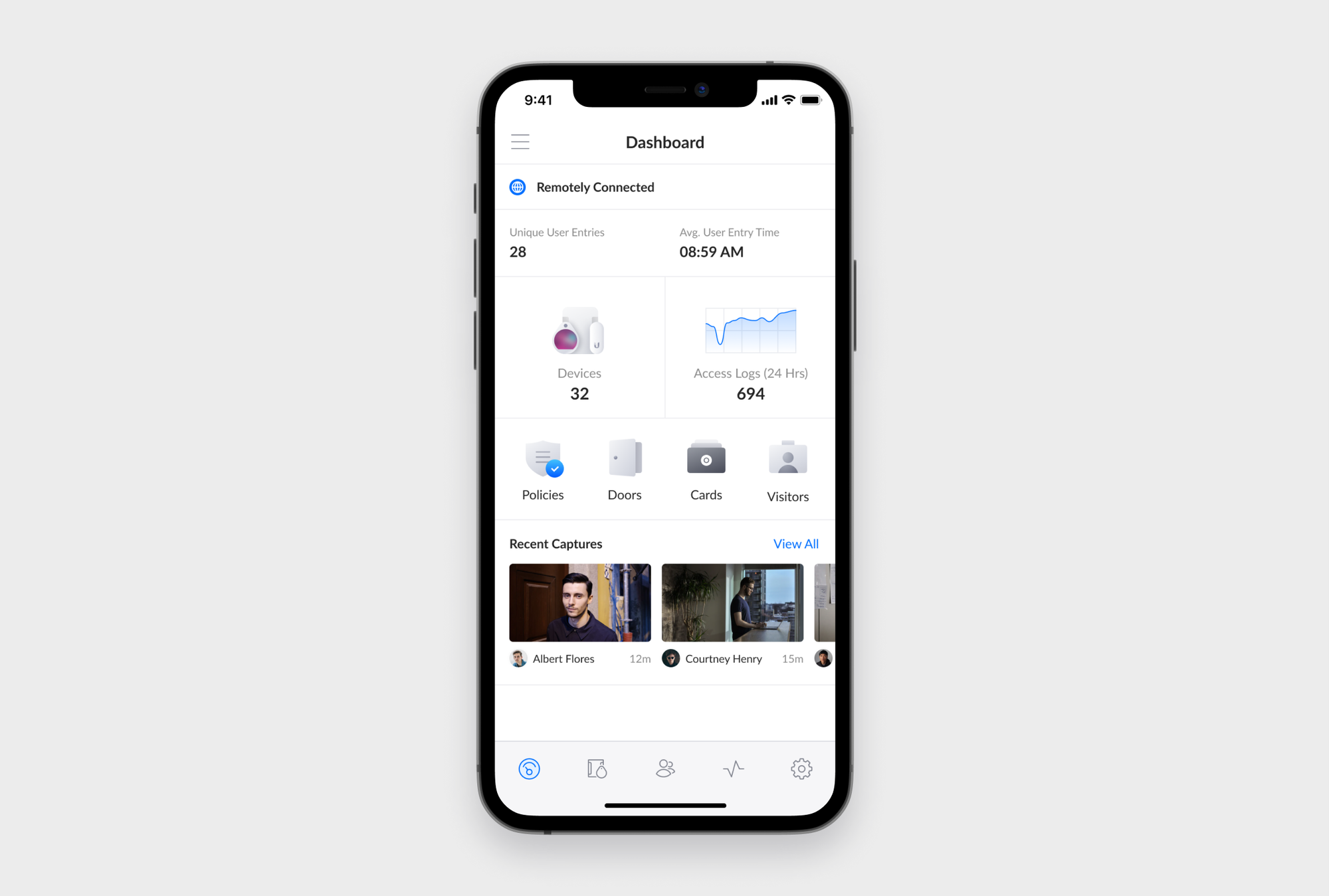
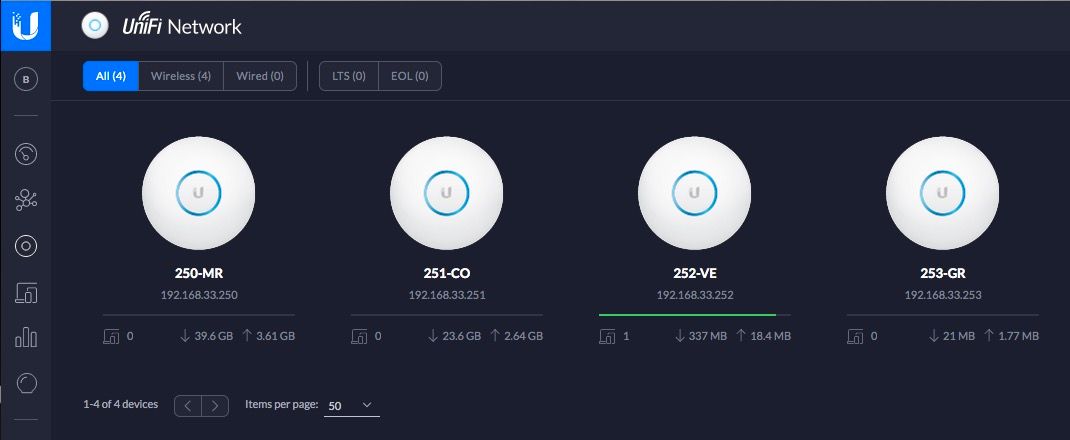
Open the UniFi Network app on your phone.
Log in to your UniFi account.
Make sure you are connected to your UniFi console (Cloud Key / UDM / Dream Router).
Step 2: Go to Setting on the unifi app
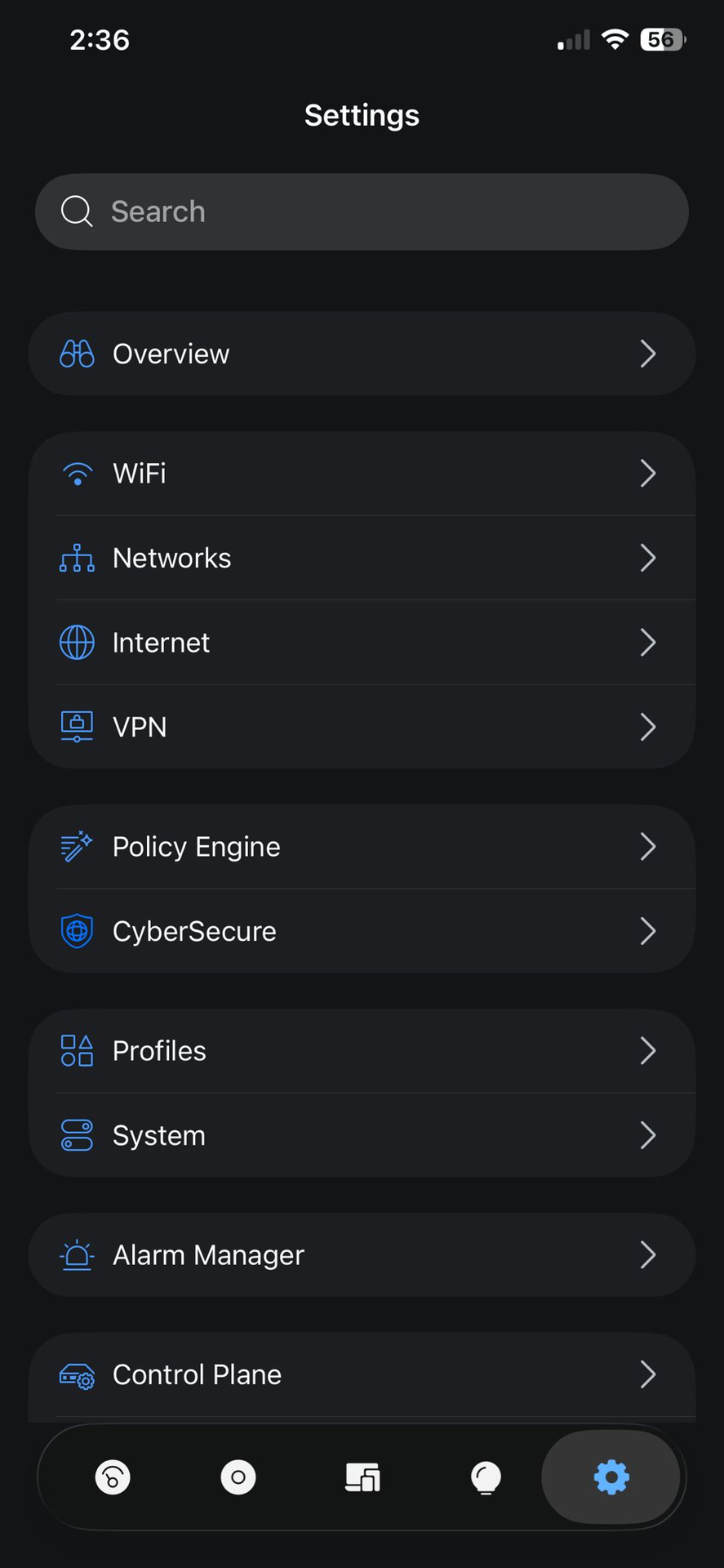
Tap Bottom Right gear icon
Step 3: Click on Policy Engine
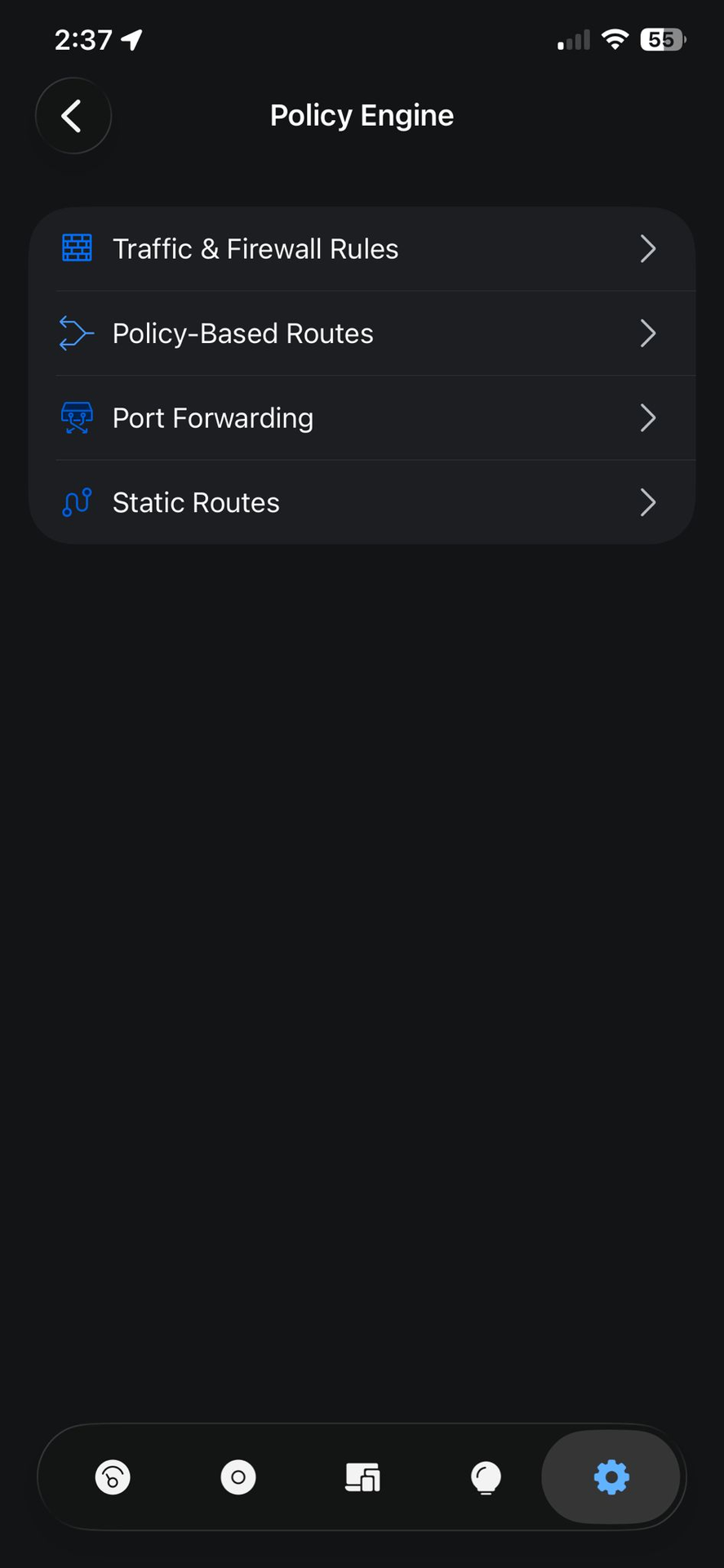
- Tap on policy engine
Step 4: Click on Traffic & Firewall Rules
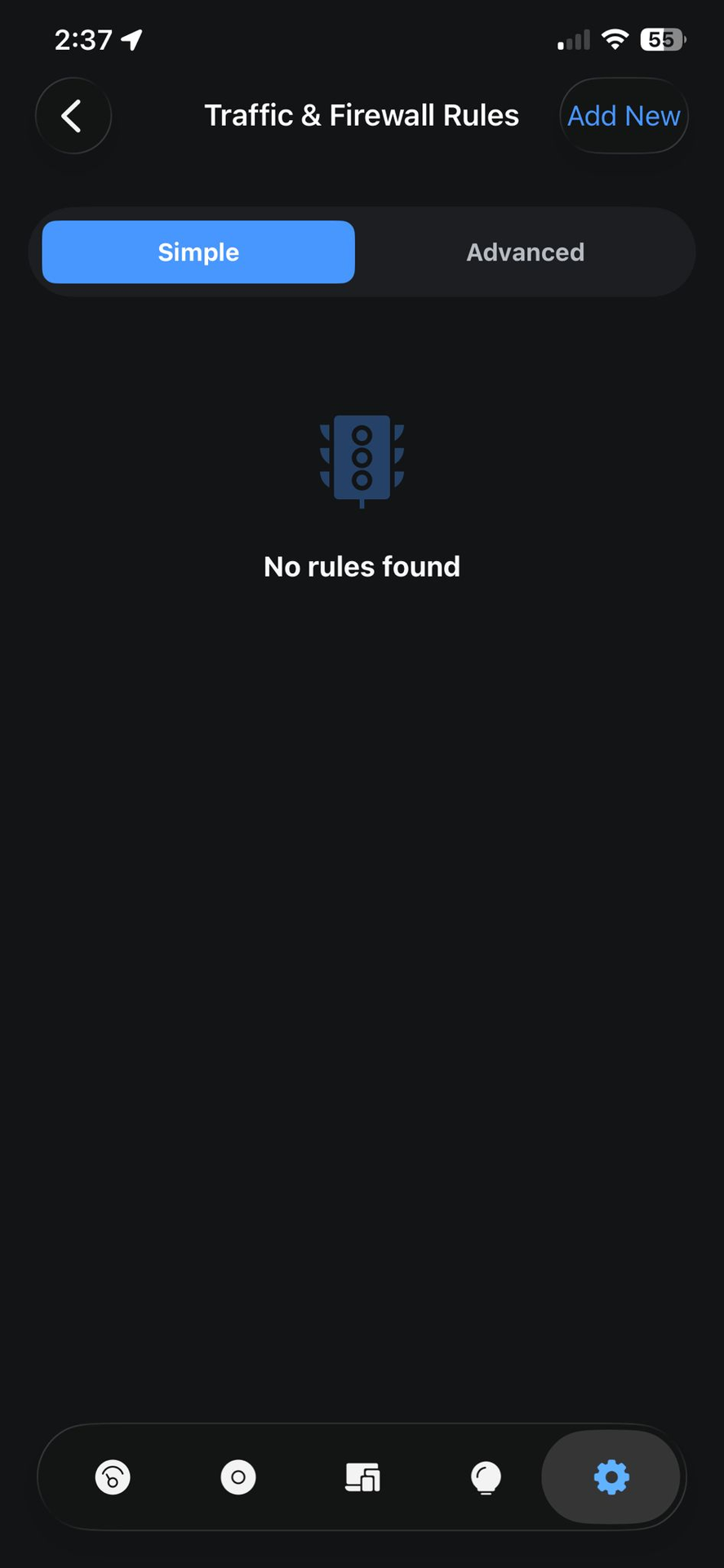
- Click on Traffic & Firewall Rules
Step 5: Key in details
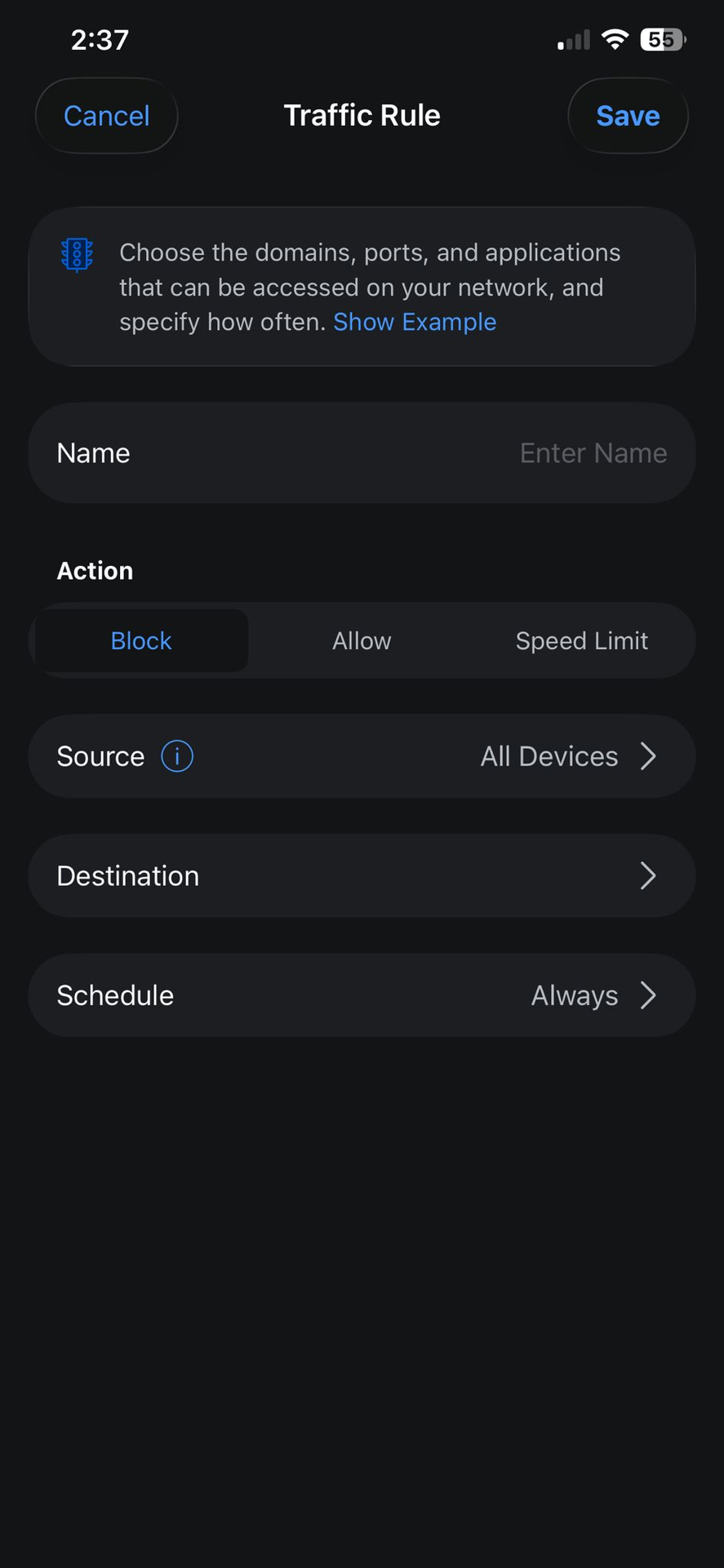
- Key in the Name
- Choose Block
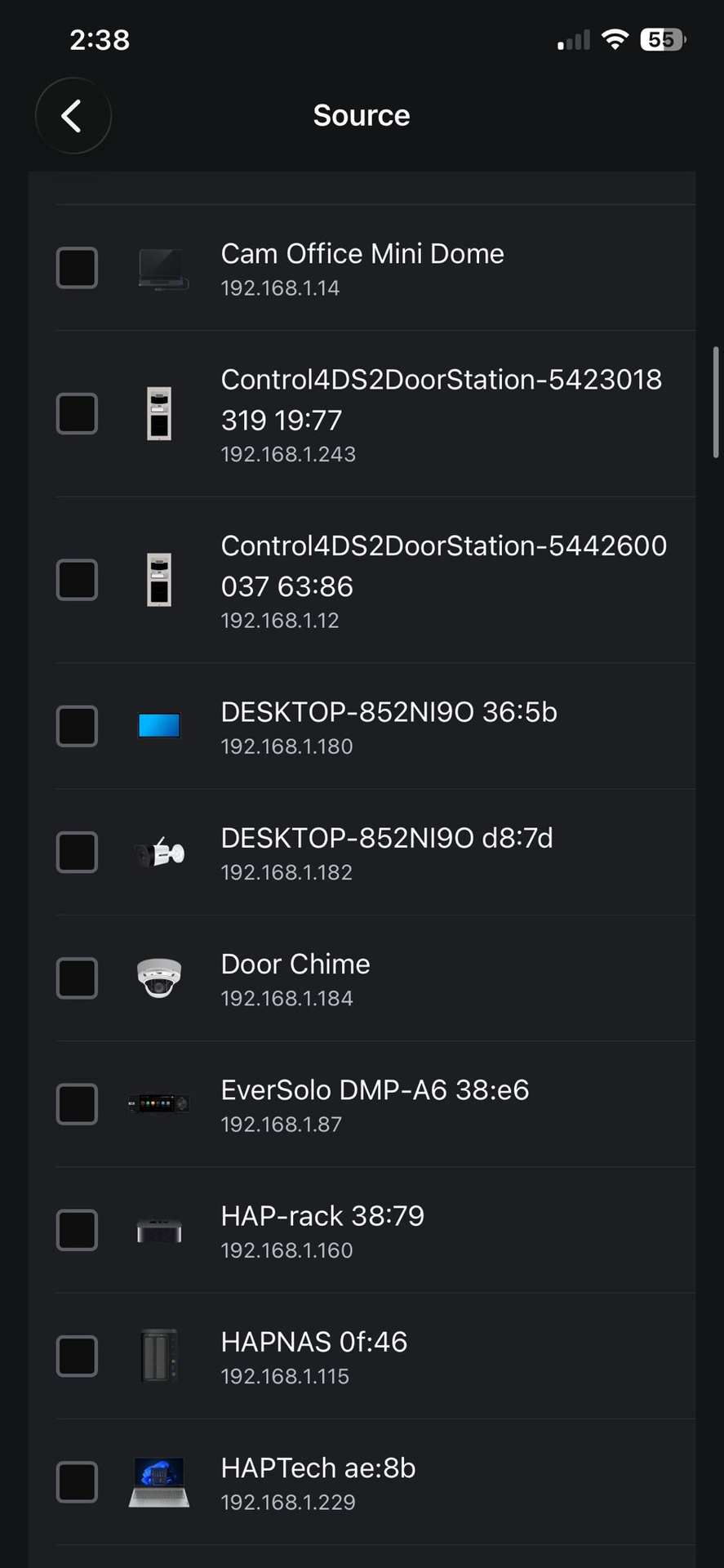
- Choose devices via source
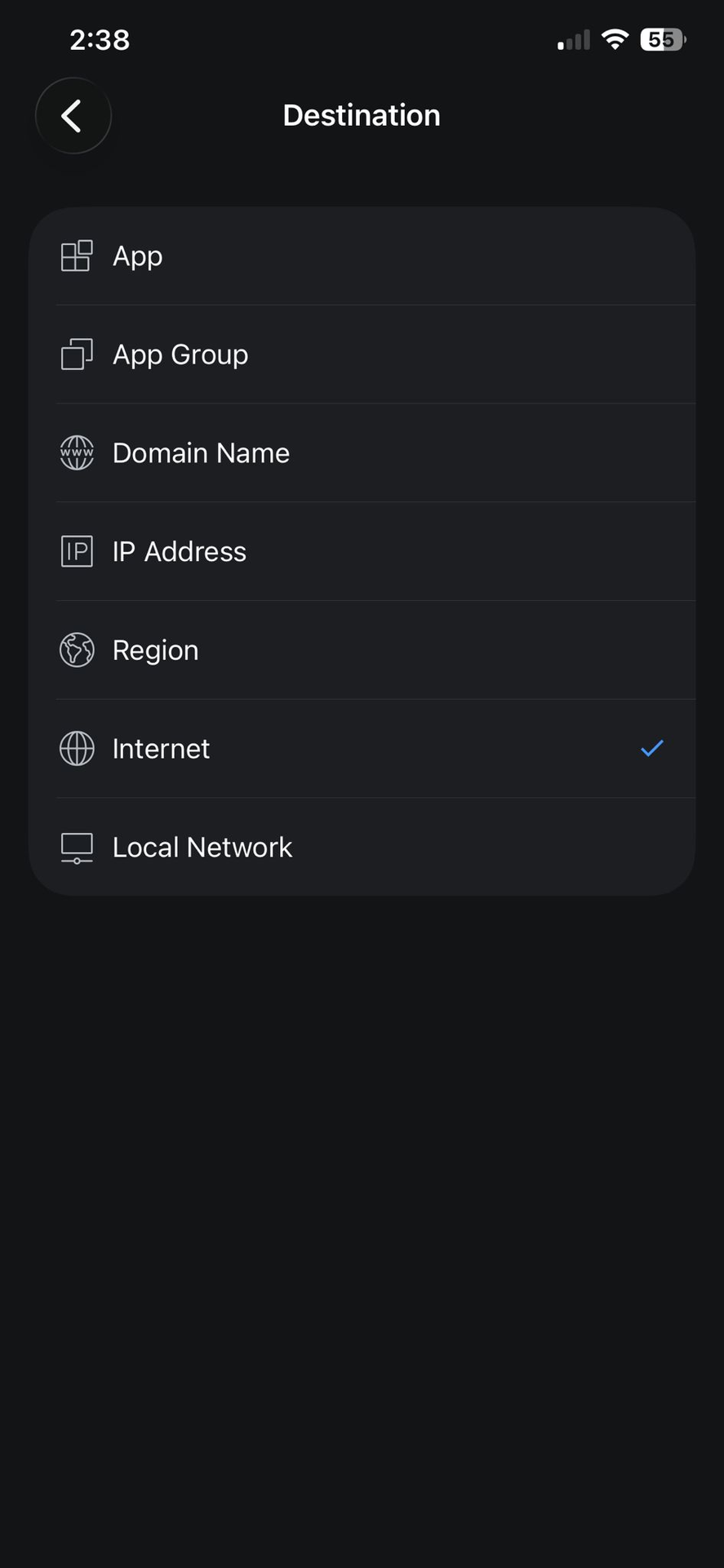
- Destination choose Internet
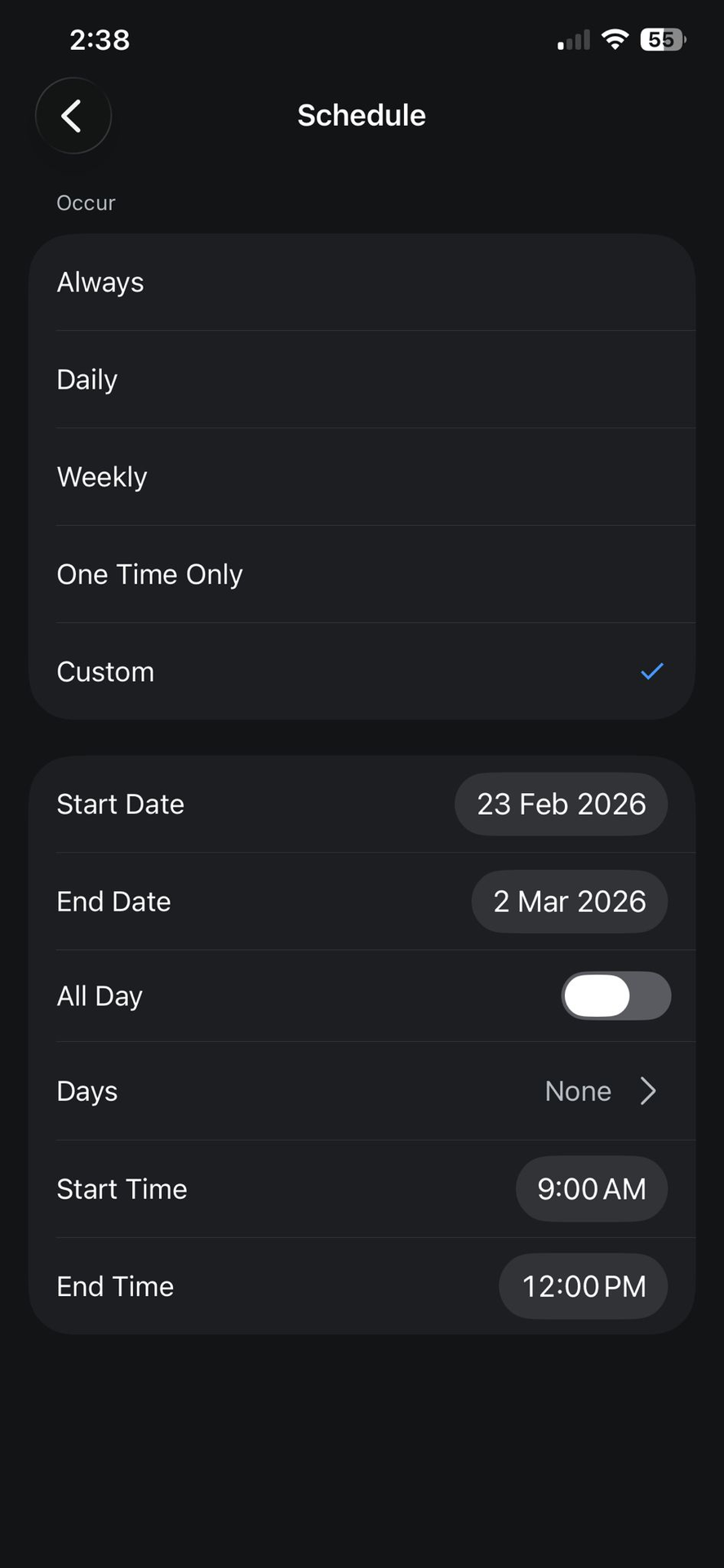
- Schedule is based on personal preference
⚠️ Make sure you select the correct device before proceeding.
🔒 Instant Block (Simpler Method)
If you just want to stop access immediately:
Select Clients
Select the device
Tap Block
Confirm
The device will lose WiFi instantly.