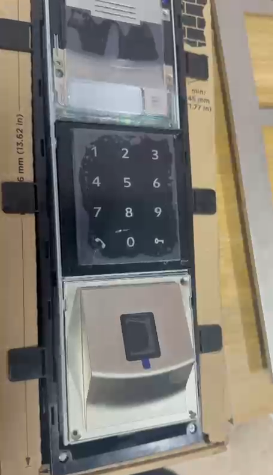
Microphone Adjustment Procedure for Triple DS Unit
This procedure explains how to reposition the microphone on a Triple DS (Door Station) unit to improve audio pickup.
Loosen the Modules
Unscrew the two modules located at the bottom of the Triple DS unit. Carefully support the modules while removing the screws to prevent strain on internal cables.
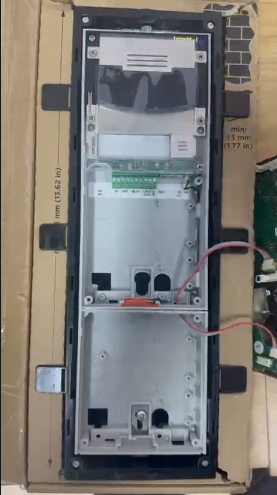
Remove the Microphone
Gently take out the microphone from its original position. Handle it carefully to avoid damaging the microphone or its wiring.
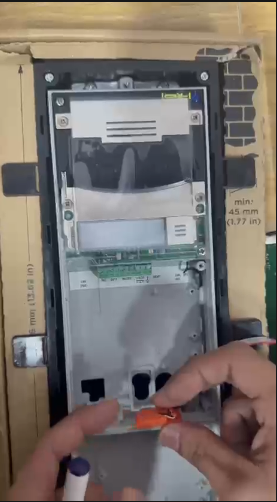
Remove Silicone from the Microphone Cable
Carefully peel away the silicone applied to the microphone cable. Take extra caution not to cut, pull, or damage the cable insulation during this step.
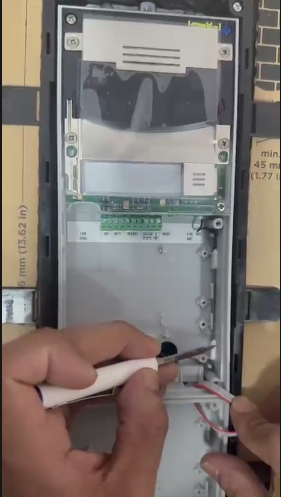
Re-route the Microphone
Position the microphone towards the bottom of the module / door station, ensuring it is correctly oriented for optimal sound pickup.
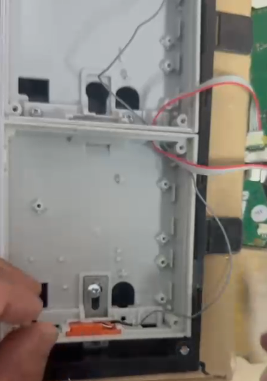
Neatly Arrange the Cable
Lay the microphone cable neatly along the side of the module. Ensure the cable is secured, untangled, and does not interfere with other components or screw points.
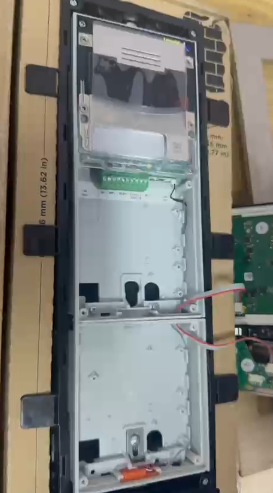
Reassemble the Unit
Once the microphone and cable are properly positioned, screw the modules back into place firmly but without over-tightening.